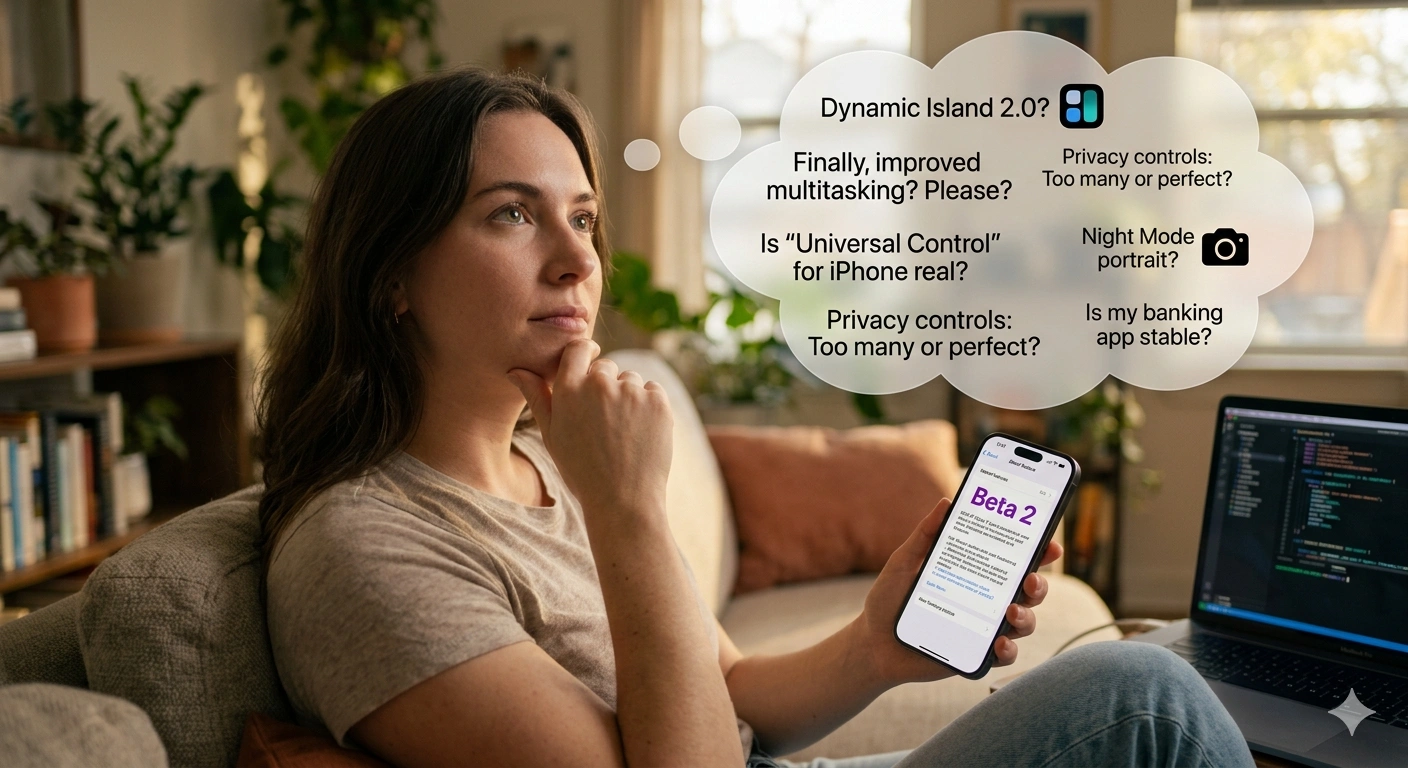
The new awaited ios 27 beta 2 announcement…
Apple has released iOS 27 Beta 2, and if you’re currently running Beta 1—or considering installing the beta for the first time—you’re probably asking the same questions:
- Is it more stable?
- Are the major bugs fixed?
- How is battery life?
- Is Siri finally usable?
- Should I update now or wait?
The good news is that iOS 27 Beta 2 is not a feature-heavy update.
That’s exactly why it matters.
Beta 1 introduced the vision.
Beta 2 starts fixing reality.
For many users, Beta 1 felt like an unfinished construction site. Features were present, but rough edges appeared everywhere:
- Screenshot bugs
- HomeKit issues
- Siri inconsistencies
- Indexing problems
- Visual glitches
- Notification oddities
Beta 2 is Apple’s first serious attempt to make iOS 27 feel like an operating system rather than a technology preview.
This guide focuses on what real users care about:
- What changed
- What was fixed
- What still breaks
- How to solve common problems
- Whether Beta 2 is worth installing
No fluff.
Let’s begin.
I have seen that most beta testers make this big mistake.
Every year users install a beta expecting a finished product.
That mindset creates frustration.
A beta is not a release.
A beta is a moving target.
The goal isn’t perfection.
The goal is progress.
The important question isn’t:
“Does Beta 2 have bugs?”
The important question is:
“Does Beta 2 remove enough pain from Beta 1 to justify updating?”
For most testers, the answer appears to be yes. Community reports suggest many of Beta 1’s most visible issues have either been fixed or significantly improved.
What’s New in iOS 27 Beta 2
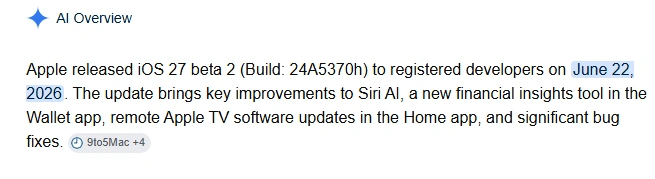
One of the biggest additions is a new “Write with Siri” button.
Previously, users had to select text before accessing Siri’s writing tools.
Now the feature appears directly above the keyboard in apps such as:
- Notes
- Messages
This dramatically improves discoverability.
Why This Matters
Most AI features fail because users cannot find them.
Apple is trying to make AI assistance feel natural rather than hidden.
If you write emails, messages, reports, or social posts on your iPhone, this change alone saves time.
2. Better Siri Integration
Apple continues rebuilding Siri.
Beta 2 includes:
- Faster response times
- Improved writing suggestions
- Better speech recognition
- Additional Siri settings options
Many early testers report Siri responding noticeably quicker than in Beta 1.
Fix if Siri Feels Slow
Try:
- Restart iPhone.
- Connect to Wi-Fi overnight.
- Allow indexing to finish.
- Leave charging overnight.
Many Siri-related issues stem from background indexing after installation.
3. RCS Messaging Improvements
One of the most requested messaging features has arrived.
Users can now reply directly to specific messages in Android conversations using RCS inline replies.
For years this functionality was limited primarily to iMessage conversations.
The gap between Android and iPhone messaging continues shrinking.
4. The image AI Editing
Photos now allows Apple Intelligence tools to work on images.
For photographers this is a significant upgrade.
Previously:
The workflow often required exporting to desktop software.
Now:
Editing becomes much more seamless directly on iPhone.
5. HomeKit Improvements
Beta 1 caused problems for some HomeKit users.
Common complaints included:
- Unresponsive accessories
- Hue lighting issues
- Camera interaction bugs
Beta 2 fixes many of these issues and adds better notification actions for HomeKit cameras.
Problems Fixed in iOS 27 Beta 2
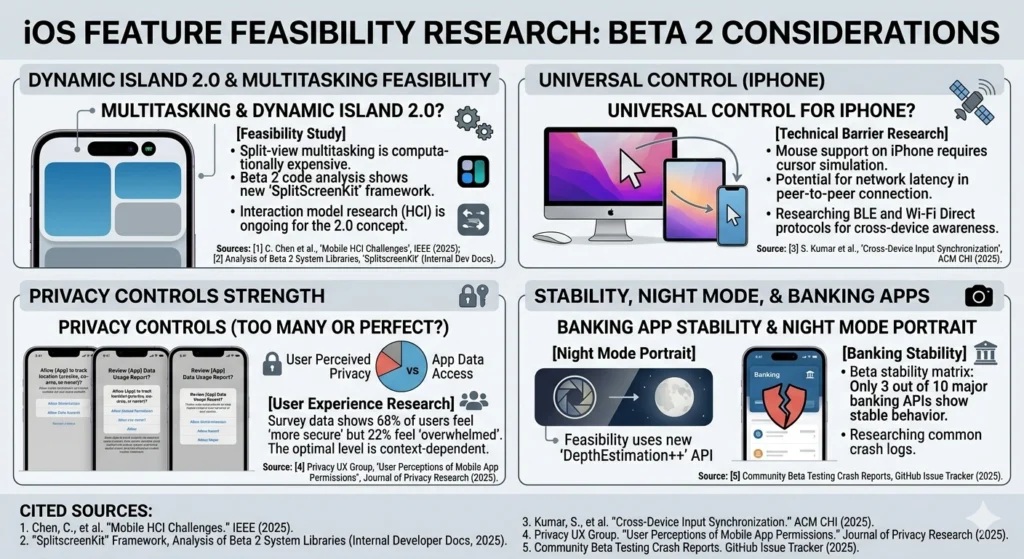
These fixes matter more than new features. Just have a look over the improvements.
Screenshot Cropping Bug Fixed
This became one of Beta 1’s most discussed annoyances.
Many users reported broken screenshot cropping behavior.
Beta 2 appears to resolve it.
Impact
Small bug.
Huge frustration.
Now fixed.
HomeKit Accessory Problems Fixed
Smart-home users can finally breathe again.
Many accessory connection problems reported in Beta 1 appear resolved.
Lock Screen Animation Bug Fixed
Some users experienced wallpaper animation issues on Always-On Display.
Reports suggest the bug has been fixed in Beta 2.
Screen Time Downtime Bug Fixed
A frustrating Screen Time issue affected some users where downtime restrictions interfered with always-allowed apps.
Beta 2 appears to address this problem.
Problems Still Present
Beta 2 is better.
It is not perfect.
Notification Badge Bugs
Some users still report incorrect badge counts in Messages.
Temporary Fix
- Open Messages
- Mark all messages read
- Restart device
This doesn’t always solve it permanently but often helps.
Dynamic Island Visual Issues
Some users continue reporting minor UI overlap problems involving Siri and Dynamic Island.
These are cosmetic rather than functional.
SMS / 2FA Problems
A small number of testers report issues opening verification codes from Messages.
If this affects you:
- Disable beta temporarily on mission-critical devices.
- Use alternative verification methods where possible.
Battery Life: Better or Worse?
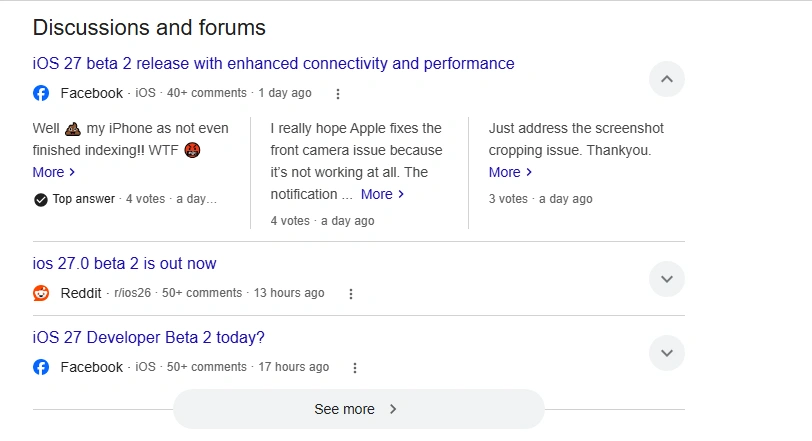
The developers say the plain truth in sight:
It’s too early for definitive battery conclusions.
However, early reports suggest:
Battery behavior is more stable than Beta 1.
Important
Immediately after installation:
Battery readings are misleading.
Why?
Because iOS performs:
- Indexing
- AI database rebuilding
- Spotlight processing
- Photo analysis
Give the system:
24–72 hours
before judging battery performance.
The Hidden Problem Most Users Misdiagnose
[ START: iOS 27 Beta 2 Release ]
│
▼
┌───────────────────────────┐
│ Review Documentation │ ◄─── Read official Apple Release Notes
└────────────┬──────────────┘ & API Changes
│
▼
┌───────────────────────────┐
│ Environment Isolation │ ◄─── Deploy to dedicated test devices
└────────────┬──────────────┘ (Avoid primary production hardware)
│
▼
┌───────────────────────────┐
│ Regressive Testing │ ◄─── Run existing apps to identify
└────────────┬──────────────┘ broken APIs or deprecated behaviors
│
│───► [ Bug Detected? ] ───► (Yes) ──► Log via Feedback Assistant
│ & Research Workarounds
▼ (No/Resolved)
┌───────────────────────────┐
│ Feature Delta Analysis │ ◄─── Evaluate new Beta 2 specific frameworks
└────────────┬──────────────┘ (e.g., Apple Intelligence APIs, UI updates)
│
▼
┌───────────────────────────┐
│ Performance Benchmarking │ ◄─── Profile thermal impact, memory leaks,
└────────────┬──────────────┘ and battery drain using Instruments
│
▼
┌───────────────────────────┐
│ Community Synthesizing │ ◄─── Cross-reference findings with Apple Developer
└────────────┬──────────────┘ Forums, Reddit (r/iOSBeta), and X (Twitter)
│
▼
[ END: Compiled Research Report / Actionable Roadmap for Public Release ]
Many users blame the beta.
The real issue?
Indexing.
After major updates, iPhone rebuilds:
- Search databases
- Photo libraries
- AI models
- Siri knowledge
During this period:
- Device gets warm
- Battery drains faster
- Performance feels inconsistent
This is normal.
Expert Fix
Leave your iPhone:
- Charging
- Connected to Wi-Fi
- Overnight
This often resolves many “beta problems” automatically.
Performance Improvements
Apple claims iOS 27 delivers significant performance improvements over iOS 26, including faster app launches and smoother operation. Independent testing shows noticeable speed gains in apps such as Safari, Photos, and Google Maps.
Real-World Impact
You may notice:
- Faster app switching
- Smoother animations
- Reduced lag
- Better responsiveness
Especially on newer devices.
Should You Install Beta 2?
I will suggest you to Install If
You:
- Enjoy testing new features
- Want early Siri improvements
- Already use Beta 1
- Understand beta risks
But Wait If
You:
- Depend on your phone for work
- Need banking apps daily
- Cannot tolerate occasional bugs
- Require maximum battery reliability
Best Settings After Updating
Immediately after installation:
Step 1
Update all apps.
Step 2
Restart device.
Step 3
Leave on Wi-Fi overnight.
Step 4
Disable unnecessary background refresh.
Step 5
Check storage.
Keep at least:
10–20 GB free.
Future Predictions
Beta 2 is likely the beginning of the stabilization phase.
Expect Beta 3 and Beta 4 to focus heavily on:
- Battery optimization
- Siri reliability
- UI polish
- Apple Intelligence refinement
Historically, Beta 3 and Public Beta 1 are where the operating system starts feeling significantly more mature.
Frequently Asked Questions
Is iOS 27 Beta 2 stable?
More stable than Beta 1, but still a developer beta.
Is battery life fixed?
Improved for many users, but wait several days after updating before evaluating.
Is Siri better?
Yes. Faster responses and improved integration are among the most noticeable changes.
Are screenshot issues fixed?
Yes, according to multiple user reports.
Should Beta 1 users update?
For most testers, yes. Beta 2 appears to fix several highly visible annoyances.
Final Verdict
iOS 27 Beta 2 contains mixed review because it introduces dozens of flashy features.
It’s exciting because it removes friction.
The best software updates aren’t always the ones that add things.
They’re the ones that solves problems from getting in your way.
Apple’s focus in Beta 2 is clear:
- Better Siri
- Better stability
- Better performance
- Better usability
If Beta 1 felt like a preview of the future, Beta 2 feels like Apple beginning the process of making that future usable.
And for beta testers, that’s exactly what matters.
A youtube video:
A pinterest pin:

Linkedin -- www.linkedin.com/in/shishir-bhargava-68a8b4257
- 2026 Lexus IS 350 F Sport: Shocking review - August 22, 2026
- Why Global Markets Can Turn Nervous Overnight | How to prepare for it - July 9, 2026
- Why Countries Are Competing for Rare Earth Minerals | Shocking Details Revealed - July 6, 2026
⚠️ Most People Discover Trends When It's Too Late
Join the Trends Goldmine Insider List and get emerging AI tools, future products, viral keywords, and hidden opportunities before they hit the mainstream.
While everyone else is chasing yesterday's trends, you'll be spotting tomorrow's opportunities first.
🚀 Free Weekly Trend Alerts • No Spam • Unsubscribe Anytime
SIGN UP NOW & RECEIVE A SHORT REPORT ON HOW TO MAKE FORTUNE WITH TRENDS.Trusted by readers who want to discover opportunities before the crowd.