
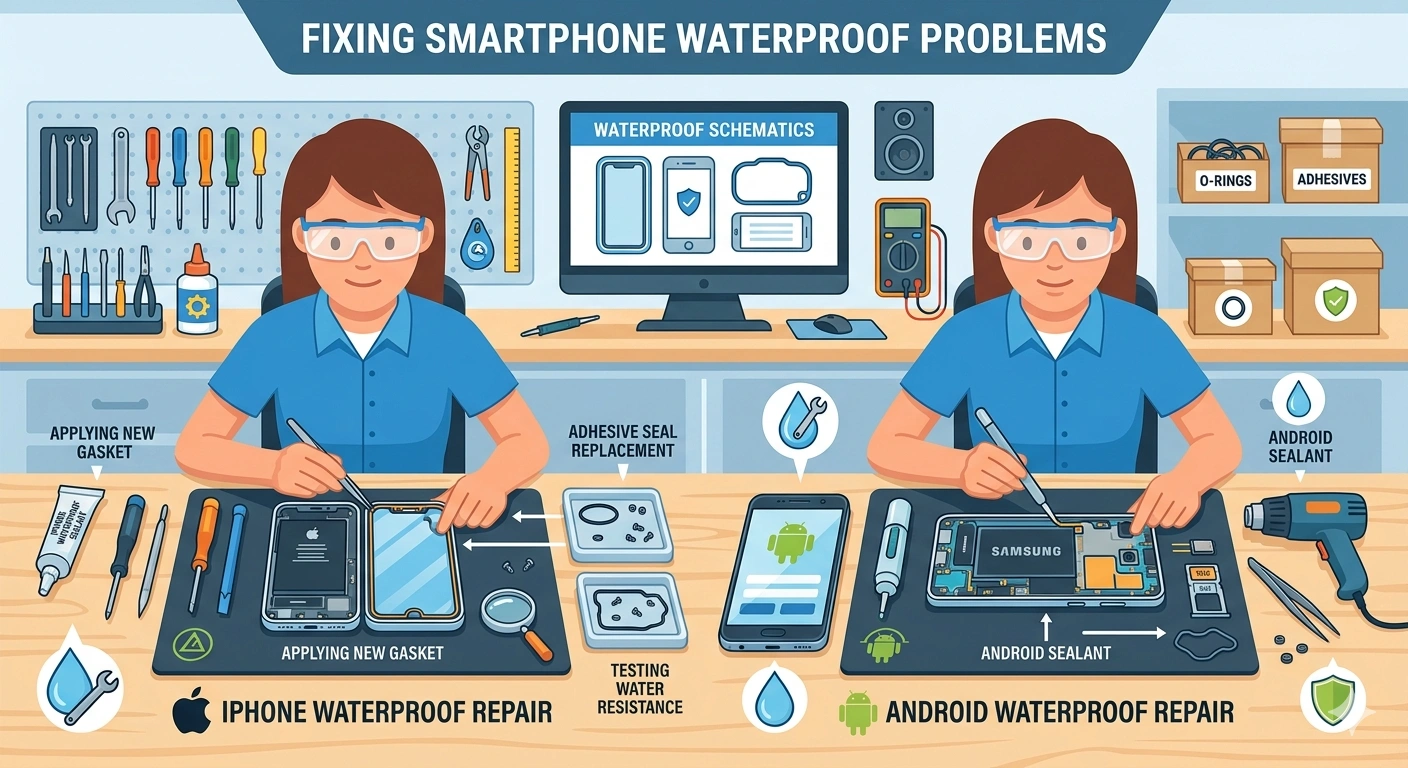
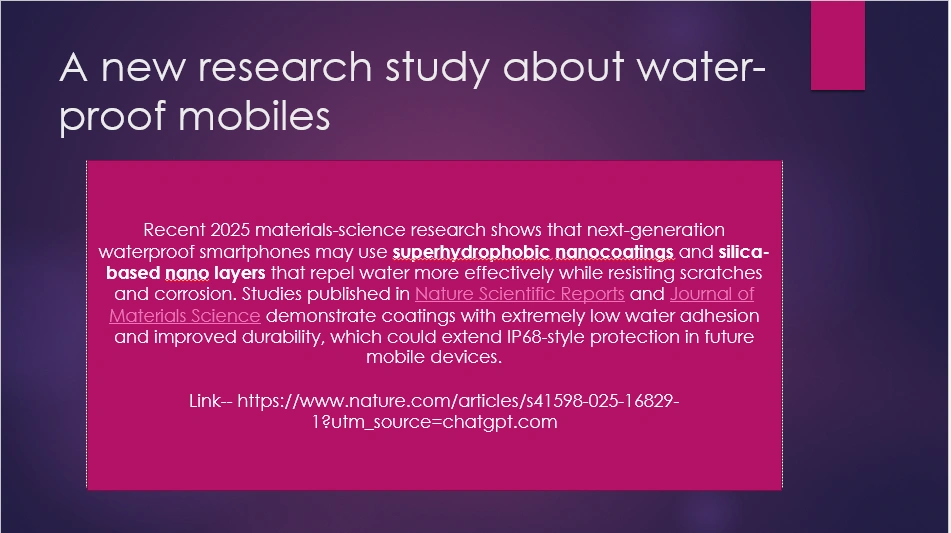
I recently came across a new study about waterproof smartphone and thought you will have more understanding before we delve into the article.
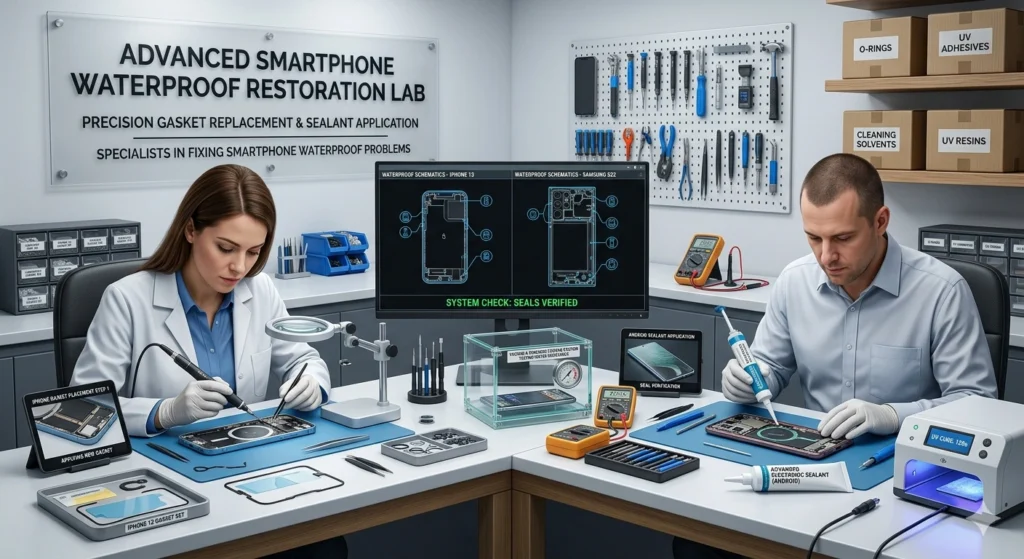
Image credit — Google gemini
Smartphone users expereince
Today, I usually got up at the early morning and as it was weekend, I was just sitting down thinking of what the day schedule can be. I just spent an hour without doing anything. Literally wasted !
Then, I wasn’t into a mood to do something really productive. As it is month beginning, I got back to do the formalities of money savings in the banks and post office. I took out my vehicle and went out to make some shopping.
It would be just a few mtrs from my home. I asked myself “What a bright day today it is!” . And just lost the attention on driving for a micro fraction second.
The result. I literally knocked myself down on the road by colliding with the bump. I got up and went back to home with little wounds.
I realized at that very moment ” Time and attention are the precious gems that which even losing for a second can bring drastic results”.
I decided never again to distract and value the time. Use it wisely for building the things and dreams you have saw for yourself.
On that day, Many users saw the waterproof problems on their iphone and android mobiles which started as a whisper.
Users barely noticed it at first—just a few drops on their screen while replying to a message. Their phone was “waterproof,” after all. That’s what the ads promised. But by the time they reached home, something felt… off.
The screen flickered.
The charging port refused to respond.
And then—the worst part—the phone didn’t turn on.
So, Today we are going to have a look over how the iphone and android waterproof problems can be solved easily.
The Hidden Truth About “Waterproof” Phones
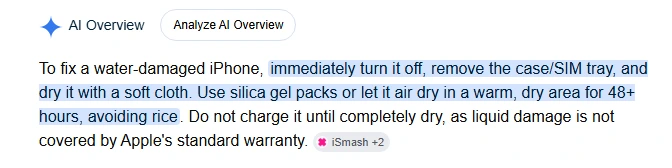
I am using a samsung android mobile and also have seen the iphone. The most important thing which I will like to bring into notice is that most iPhones and Android devices today are water-resistant, not truly waterproof.
A question might be coming in your mind what is difference between water resistant vs water proof:
Water-resistant means a device can handle limited exposure to water—like light rain, splashes, or brief accidental contact—but it is not protected against full submersion or high water pressure. The protection usually comes from seals and coatings that slow water entry, not completely block it.
Waterproof, in theory, means a device is completely impervious to water under all conditions. However, in consumer electronics, “fully waterproof” is rarely used because no device is guaranteed to be 100% sealed forever under real-world pressure, heat, and wear.
That’s why most modern phones, including the Apple iPhone, are rated as water-resistant (like IP ratings), meaning they can survive specific depths and time limits—but water damage is still possible if those limits are exceeded or seals degrade.
Over time, there are parts which weaken. A single drop inside the wrong place can quietly trigger chaos.
And the real problem?
By the time symptoms appear, damage has already started spreading internally.
The Symptoms You Should Never Ignore
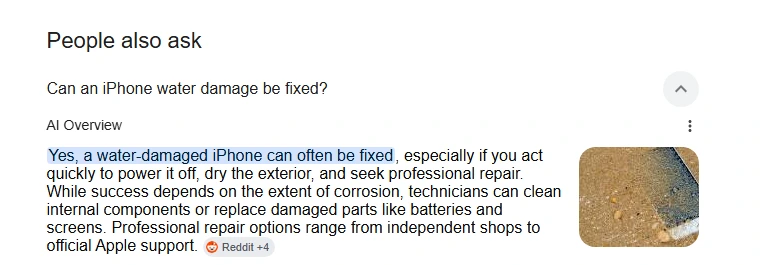
As I asked to myself ” Why are the users so lenient about these problems? ” I would have left my all work and step into to check about what’s the matter. I found that the users didn’t act fast enough. But you can.
Just like you watch a jungle safari with a pair of binoculars, Watch for these early warning signs:
- Screen glitching randomly (ghost touches, flickers)
- Charging port not working or showing moisture warnings
- Audio distortion or muffled speakers
- Phone heating up unusually
- Water damaged phone not turning on at all
I will let you know the symptom of each issue so you can identify well:
| Screen glitching randomly (ghost touches, flickers) This usually happens when water or moisture interferes with the touchscreen digitizer or display circuits, causing false touch inputs, flickering, or unstable screen behavior. Corrosion or short circuits inside the display connectors can also trigger these symptoms. Charging port not working or showing moisture warnings Phones detect moisture in the charging port to prevent electrical short circuits and corrosion during charging. Water, humidity, or debris inside the port can block charging temporarily or trigger repeated moisture alerts until the port fully dries. Audio distortion or muffled speakers Water trapped inside speaker grills or audio chambers disrupts sound vibrations, making audio sound quiet, crackly, or muffled. In severe cases, moisture can damage speaker membranes or internal audio components permanently. Phone heating up unusually Water exposure can create unstable electrical pathways or partial short circuits inside the phone, forcing components to draw abnormal power and generate excess heat. Background recovery processes after water exposure may also increase system temperature. Water damaged phone not turning on at all Severe water damage can short critical motherboard circuits, battery connections, or power-management chips, preventing the device from booting. Corrosion may continue spreading internally even after the phone dries, making delayed failure common |
These aren’t random bugs.
They’re signals that moisture is slowly damaging your device.
Why Repair Costs Skyrocket
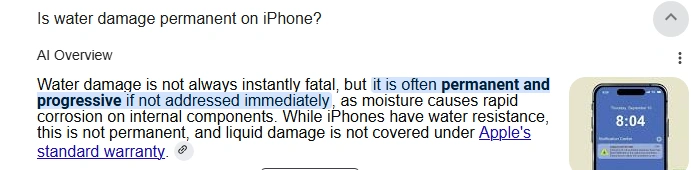
I checked seriously very fast the cost of these repairing solutions. I was surprised at the data . Here’s what most people don’t realize:
Water damage isn’t a single-point failure. It spreads.
- Corrosion builds on internal circuits
- Tiny connectors degrade over hours or days
- Even if it works now, it may die later
That’s why repair cost are often quote:
- ₹3,000–₹8,000 for minor fixes
- ₹10,000+ if the board is affected
And sometimes? It’s simply: “Not repairable.”
The Innovative Fixes Nobody Talks About
| 1. 🌬️ Vacuum Extraction Trick (Instead of Drying) You will find this old trick applied mostly by all users. Most people try to dry the phone. But here’s the key. Instead, pull the water OUT. — Use a vacuum cleaner (low power mode). — Focus on charging port, speaker grills, SIM tray. Why it works: — Moisture hides deep inside — Airflow pulls it out faster than evaporation |
| 2. The “No Power Zone” Rule Pay very close attention. You are doing a Big mistake that is : trying to turn it on repeatedly. — Keep the phone OFF for at least 24–48 hours — Do NOT plug into charger immediately Why: Electric current + water = permanent circuit damage |
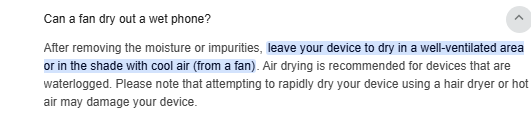
| 3. Controlled Heat Chamber (DIY Hack) I tried this method which works like a charm for many users. Instead of sunlight (which can damage screens): Just without any second thought, Place phone near: — WiFi router. — Warm laptop exhaust. — Set-top box. Why: — Gentle, consistent heat = safe drying. — No overheating risk like direct sun. |
| 4. 🎧 Sound Frequency Water Ejection This one really feels futuristic—but works. There were many upvotes for the user who suggested this, It’s basically: — Play specific low-frequency sound waves — Vibrations push water out of speaker grills Search: “water eject sound” on YouTube |
| 5.Charging Port Micro-Cleaning If charging port isn’t working, I usually get into action mode. You can try: — Use a wooden toothpick or soft brush — Remove lint + moisture buildup Why: Water mixes with dust → creates blockage → charging failure |
| 6. The “Condensation Reset” Trick I found this very Strange but it is effective in humid regions: — Put phone in an airtight box with silica gel — Then briefly move to AC room Why: Sudden temp change pulls hidden moisture outward |
These were the possible solutions can be applied but I am giving you screenshot with the help of which you can gain a idea quickly:
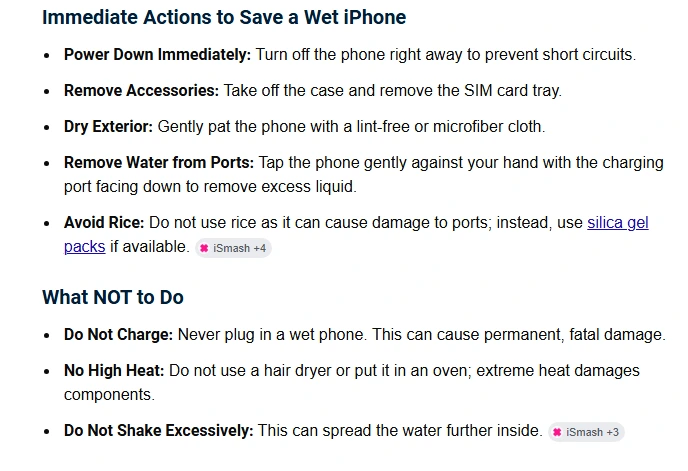
What to do immediately
If your phone shows waterproof problems, you can try this things. I am sure this will help you a lot. A quick summary as below:
- Turn it OFF instantly
- Do NOT charge
- Use vacuum airflow
- Apply solution
- Let it dry with controlled heat
- Wait before powering on
THE BIGGER INSIGHT
| One of the most overlooked realities about water-damaged phones—especially devices like the Apple iPhone and modern Android phones—is that failure is often delayed rather than immediate. Industry repair data suggests many phones survive the first few hours after water exposure but develop issues days later because microscopic corrosion continues spreading underneath chips and connectors long after the surface appears dry. A unique insight is that modern phones are actually more vulnerable to “invisible moisture persistence” because tighter waterproof sealing traps humidity internally instead of allowing fast evaporation. Problems like ghost touches, overheating, muffled audio, and charging failures are often not separate defects but chain reactions from unstable electrical resistance forming across sensitive circuits. The real future solution may not just be stronger waterproofing, but self-healing internal coatings and moisture-mapping diagnostics that can detect and isolate corrosion before permanent damage spreads. |
Water damage isn’t about incident to be taken lightly anymore.
It’s about how fast and smart you react.
Because in 2026, phones are smarter…but also more fragile than ever.
REFERENCES
OTHER PROBLEMS AND SOLUTIONS:
A youtube video useful:
A useful pinterest image:
Some important facts:

Linkedin -- www.linkedin.com/in/shishir-bhargava-68a8b4257
- 2026 Lexus IS 350 F Sport: Shocking review - August 22, 2026
- Why Global Markets Can Turn Nervous Overnight | How to prepare for it - July 9, 2026
- Why Countries Are Competing for Rare Earth Minerals | Shocking Details Revealed - July 6, 2026
⚠️ Most People Discover Trends When It's Too Late
Join the Trends Goldmine Insider List and get emerging AI tools, future products, viral keywords, and hidden opportunities before they hit the mainstream.
While everyone else is chasing yesterday's trends, you'll be spotting tomorrow's opportunities first.
🚀 Free Weekly Trend Alerts • No Spam • Unsubscribe Anytime
SIGN UP NOW & RECEIVE A SHORT REPORT ON HOW TO MAKE FORTUNE WITH TRENDS.Trusted by readers who want to discover opportunities before the crowd.