
Listen this first…
My Phone Was Full… But I Deleted Nothing” — The Smartest Ways to Free Android Storage Without Losing a Single File.
I know its sounds little crazy but actually this is possible.
You may ask. Hey man, Are you sure about this? Absolutely, friend since these solutions I have discovered and tried myself.
Whether you have a iphone or android operating system, the basics of mobile storage remains the same.
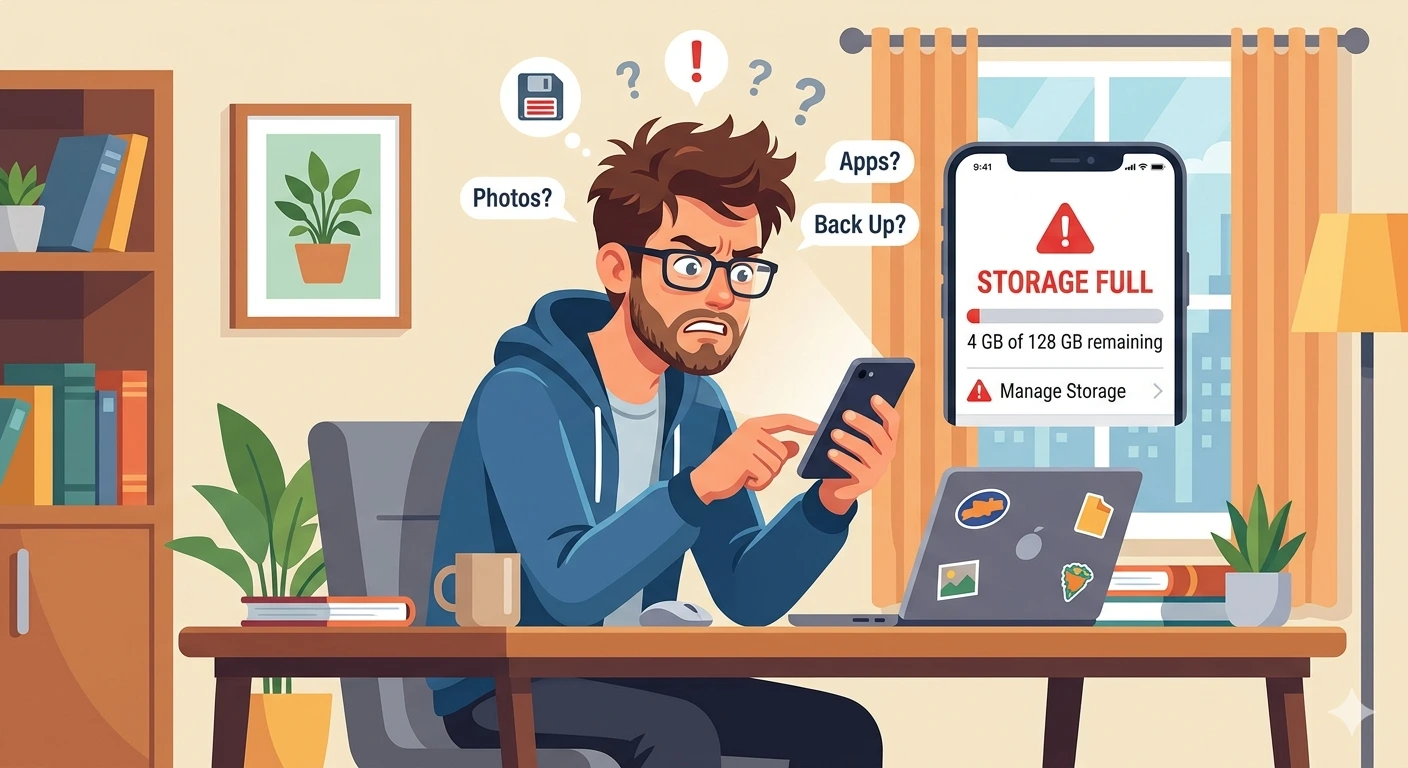
It started with a warning on a fine bright morning which most of us ignore…
“Storage Almost Full.”
I stared at my Android phone in disbelief. I rewind my memory to check whether anything new I have added in the mobile.
No new apps. No big downloads. Still—storage gone. Now, some wrinkles started appearing on my face. I was perplexed with a stern look at the screen. Photos, videos, documents… everything felt too important to delete.
At that moment, I saw a bird that was visiting on a tree in my garden. I saw how it collected different twigs and other materials in the surrounding trying to construct a nest.
Something startling happened which amazed me. The bird tried to build the nest with different angles and weaving method.
At that moment, my mind got lit up. So I tried something different. I decided to solve this problem without deleting any data.
Not deletion.
Optimization. Compression. Hidden cleanup.
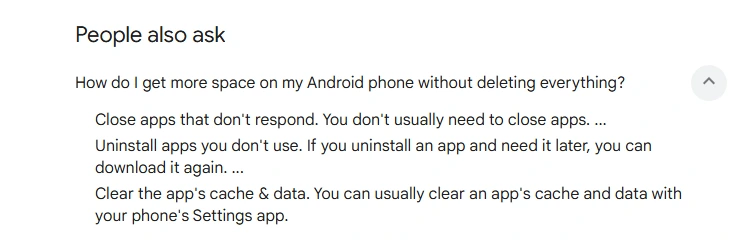
And what I discovered will change how you use your phone forever. So, let’s see and check out the solutions. But before that here are some quick fixes that you can apply and solve this problem.
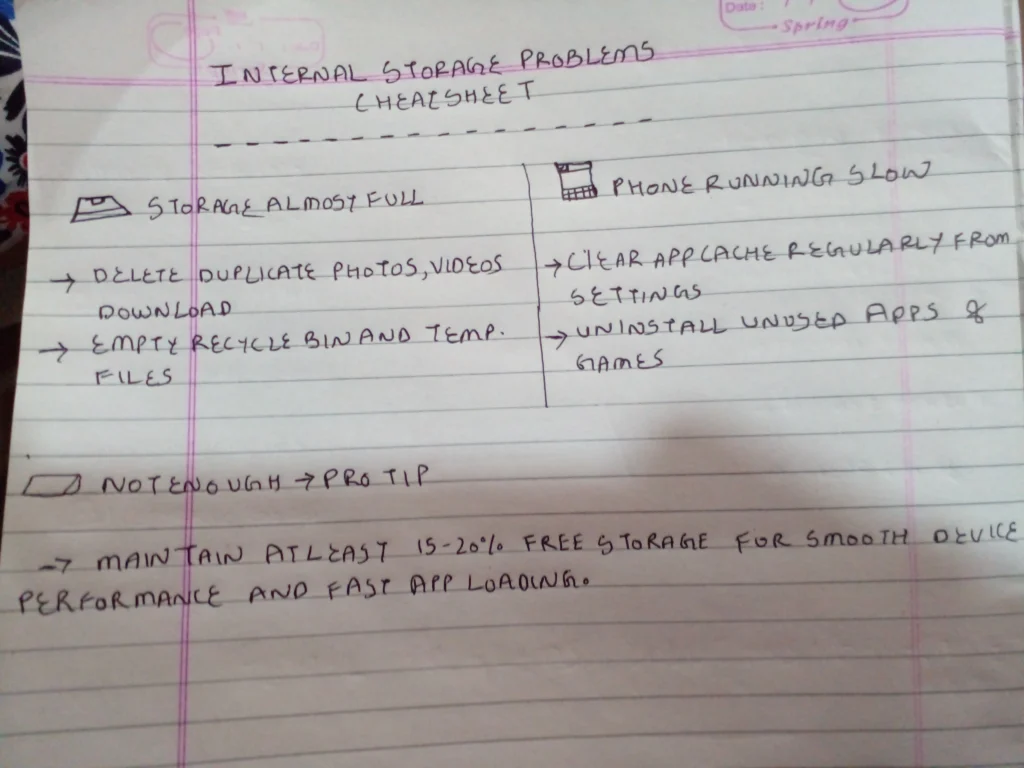
Data for the image: Chatgpt
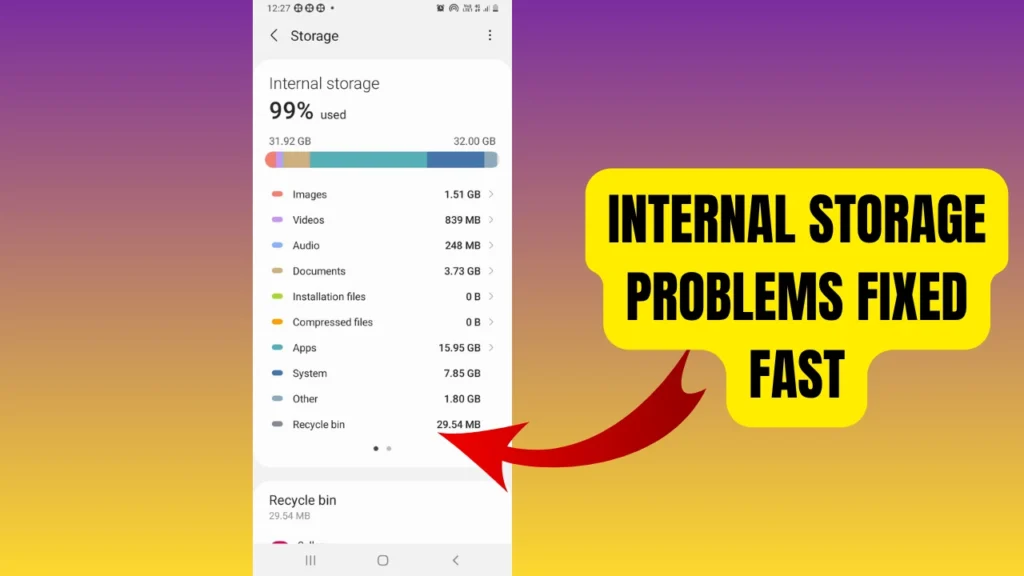
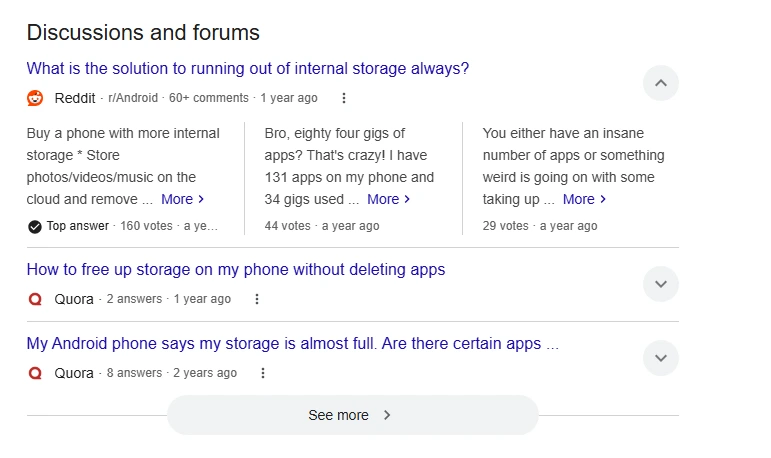
Why Android Storage Gets Full “Without Reason
Before fixing it, I decided to first study the root cause of the problem. For that I started gaining basic knowledge about how storage works, the technology behind it and other data. Do you know what I realized something shocking:
Insights on internal storage.
| Internal storage on phones (like in Android devices and the Apple iPhone) is often misunderstood as “used up by apps,” but in reality, most space is quietly consumed by system data, cached files, media, and app leftovers. In many modern phones, system files alone can take 10–25 GB, while cached data from social media apps, browsers, and streaming services can grow unpredictably into several GB per app over time. A key insight is that storage pressure is usually not linear — it grows in bursts, especially after updates, media downloads, or heavy app usage. Another hidden factor is “duplicate-like expansion,” where apps store compressed, original, and cached versions of the same data simultaneously. The most important realization is that storage problems are less about lack of space and more about lack of visibility and control over background data accumulation, which is why phones often feel full even when users haven’t installed many apps. |
Your storage isn’t just your files ! .
It’s also:
- App caches silently growing (hundreds of MBs)
- “Other storage” (hidden system junk)
- Duplicate files you never created
- Temporary downloads that never delete themselves
- System logs & crash reports
On phones like Samsung, this often appears as “Other” storage—the most mysterious space eater.
The “Zero-Deletion” Storage Strategy
| 1. Cache Cycling (Not Just Clearing) I have read this everywhere. Everyone says “clear cache.” Cache is a type of temporary storage used by apps, browsers, and systems to save frequently accessed data so it can load faster the next time it’s needed. For example, a social media app may store images, videos, or login data in cache so it doesn’t have to download them again every time you open the app. That’s basic. But I did something better since I want to some innovative solution. What I did was: — Cleared cache — Opened apps again (to rebuild optimized cache) — Cleared again after 1–2 hours Why it works: Apps rebuild leaner, optimized cache, not bloated junk. |
| 2. Invisible Compression Trick (Game-Changer) Do you this trick I found when I got low speed loading of my website? It was due to large size of photos and png formats. So, I didn’t delete photos… but compressed them invisibly. The question is how? — Use Google Photos → enable “Storage Saver” mode — With Google Photos: — Photos keep same look File size drops by up to 70% Result: Massive space freed, zero visible loss |
| 3. App “Repackaging” Method (Rarely Known) This hack is giving great result. I stumbled upon it by luck. Actually, while optimizing storage for my device, I deleted some app but when I reinstalled, the issue was solved. Actually, Some apps become huge over time. Instead of deleting data: — I will urge you Uninstall app. — Then Reinstall immediately. What happens: — App resets to original size — Data synced back from cloud. Data synchronization is the process of keeping data consistent and updated across multiple devices, apps, or servers. When you change something on one device—like editing a contact or uploading a photo—sync ensures the same update is reflected everywhere else connected to the same account. Works great for: — YouTube |
| 4. “Other Storage” Cleaner (Hidden Treasure) I always saw that mysterious “Other” storage? I found that it contains following things: — Old WhatsApp backups — Telegram cache — Hidden thumbnails — System temp files Here are the Fix: Go to File Manager → Internal Storage Search: .cache.thumbnailstempDelete ONLY junk folders (not personal files) and I am sure this will greatly benefit you. |
| 5. Samsung Users: Secret Storage Booster These are some of the extra setting you can try On Samsung devices: Go to: Settings → Battery & Device Care → Storage Use: — “Clean Now” — “Deep Clean” This clears: — Duplicate files — Residual app data — Hidden APK leftovers |
| 6. Smart Offloading (Without Deleting) I was sure about to didn’t delete files—but I reduce their size. . Use: — Google Drive — Files by Google So, here’s goes the Trick: — Upload files — Keep “offline preview” instead of full file Result: — Files still accessible — Storage drastically reduced |
| 7. Duplicate File Illusion Fix When I was studying about the problem, I observed that Most people don’t realize: — WhatsApp forwards — Downloads — Screenshots Create duplicate copies automatically. So I will urge you to Use: Files by Google → “Clean” tab It finds: — Duplicate images — Blurry photos — Meme spam So, You make sure to remove duplicates—not memories |
| 8. Background Storage Drain Stop Some apps silently store data even when unused. I just simply : — Restricted background data — Disabled auto-downloads (WhatsApp/Telegram) So, what’s the Result: The Storage stopped filling “mysteriously”. Great! |
A summary of all these solutions:
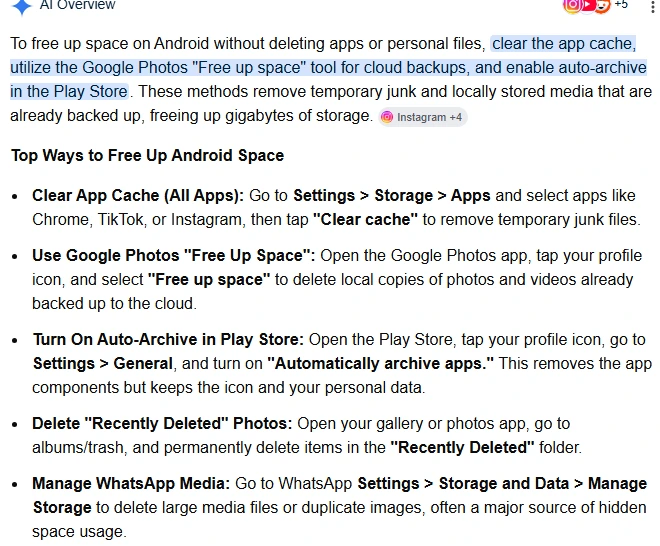
The Big Realization
I didn’t delete a single important file for cleaning up the storage for my android mobile. I took some time and found some quick solutions with google and youtube.
Instead, what my approach was for :
- Cleaned invisible junk
- Optimized storage behavior
- Compressed intelligently
- Controlled background data
And my phone went from 95% full → 55% used.
MY INSIGHT AND OPINION
| Most “storage full” problems on phones—like in the Apple iPhone—aren’t actually about missing space, but about invisible accumulation: caches that quietly multiply, duplicate media created by apps, offline downloads you forgot existed, and system logs that never get questioned. The out-of-the-box insight is that storage behaves less like a box you fill and more like a “living ecosystem” where apps constantly recreate data unless something interrupts the cycle. A more “magical” but realistic solution would be a self-auditing storage layer built into the OS: instead of users hunting for files, the system periodically compresses rarely used data, merges duplicate assets across apps, and safely offloads cold data into encrypted cloud snapshots without breaking app behavior. Even today, a partial version of this already exists in smarter forms like adaptive caching and automatic offloading, but the real breakthrough would be making storage self-managing |
CONCLUSION
If your Android storage is full:
- Don’t panic and delete files.
- Fix what’s silently growing
Because the real problem isn’t your data… It’s how your phone stores it.
References
| Google Storage Management Guide https://support.google.com/googleone/answer/9776477 Android Help – Free up space https://support.google.com/android/answer/7667018 Samsung Device Care Storage Guide https://www.samsung.com/support/mobile-devices/how-to-free-up-storage-space-on-your-galaxy-device/ How to fix the issue https://nsysgroup.com/blog/is-your-phone-storage-full-for-no-reason-here-is-how-to-fix-it/ Solutions to fix the problem https://www.asurion.com/connect/tech-tips/not-enough-room-on-your-phone-what-to-delete/ The solutions of the internal storage https://www.mail.com/blog/posts/free-space-on-phone/220/ |
Other problems and solutions:
A useful video:
A useful pinterest image:

Linkedin -- www.linkedin.com/in/shishir-bhargava-68a8b4257
- 2026 Lexus IS 350 F Sport: Shocking review - August 22, 2026
- Why Global Markets Can Turn Nervous Overnight | How to prepare for it - July 9, 2026
- Why Countries Are Competing for Rare Earth Minerals | Shocking Details Revealed - July 6, 2026
⚠️ Most People Discover Trends When It's Too Late
Join the Trends Goldmine Insider List and get emerging AI tools, future products, viral keywords, and hidden opportunities before they hit the mainstream.
While everyone else is chasing yesterday's trends, you'll be spotting tomorrow's opportunities first.
🚀 Free Weekly Trend Alerts • No Spam • Unsubscribe Anytime
SIGN UP NOW & RECEIVE A SHORT REPORT ON HOW TO MAKE FORTUNE WITH TRENDS.Trusted by readers who want to discover opportunities before the crowd.