

This AI is truly revolutionary..
I like chocolates very much and hope you might too also. Few days before, I saw a billboard advertisement of two chocolate brands in a shopping mall. A little quite observation gave a lot of insights which was very helpful for me. Now, it will be for you as well.
So, the situation was like I was roaming in the mall with the trolley that was running as if butter was applied to its wheels. I did not had any specific thing to purchase in mind but just looking the products if anything I could purchase.
In the middle of the mall, there was the chocolates section of different varieties. I saw there were two new brands of chocolates, both having the best tastes but the sales numbers said the different story.
I thought what could be the reason ? I came home and had a little break with light refreshments. Then, I started to look on internet and amazon about more details.
After a rigorous analysis, a valid point struck in my mind like a sudden thunderbolt and lighting in monsoon.
I saw that the packaging was the difference. One had a superior , compact and rich colours design packing in comparison to other looking pale feeble colours with no enthusiasm.
This taught me the importance of how we present the things is absolutely the game-changer since it affects the customer experience overall.
So, today we will see about android gemini user interface new features and what type of challenges you might face.
I was working on my new content sipping the hot coffee and enjoying the fast rhythmic music beats. As usual, I finished my work and was about to retire on my couch, a thought sparked my mind.
I instantly pulled out the earphones and thought about AI employees who helped and assisted me during the work. How wonderful is that !
It was like having a great feeling about how much the world has changed and the time is moving rapidly.
Yes friends, today we are going to talk about the problems and solutions of ai tools. It’s profound effect in our life.
For this , we are going to see about the Android google gemini live new floating UI which has been rolled by the company.
It’s something like you tap the new floating assistant bubble powered by Google Gemini on your Android phone.
It feels futuristic—like having a real-time AI hovering over your apps. You try screen automation, explore the tools menu, and even attempt multitasking magic.
The feature is still in beta version. At first, it’s smooth. But the users might face the issues that they are not aware of.
I have researched and listed out the potential problems along with the solutions when the app will roll out in the market.
So, Let’s see what the matter is all about..
The Real Experience (What Most Users Face)
Watch this gallery of images, you will get a idea better:
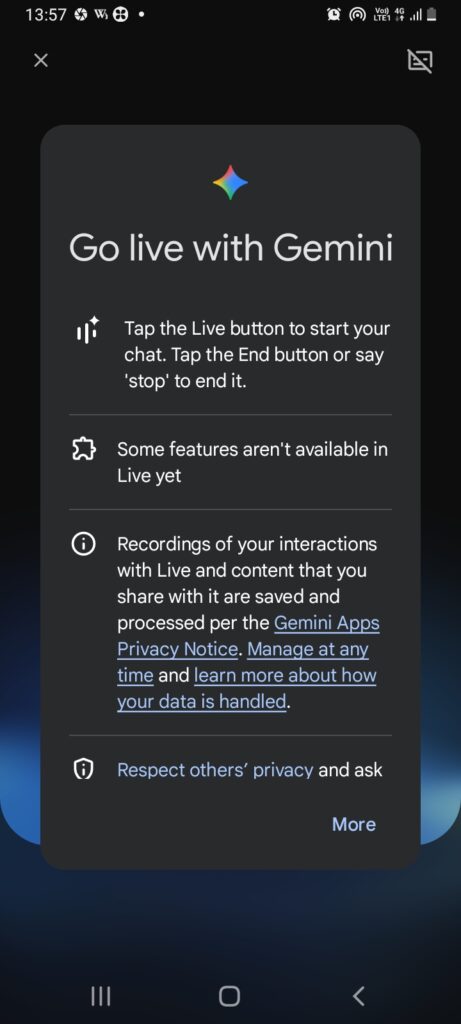
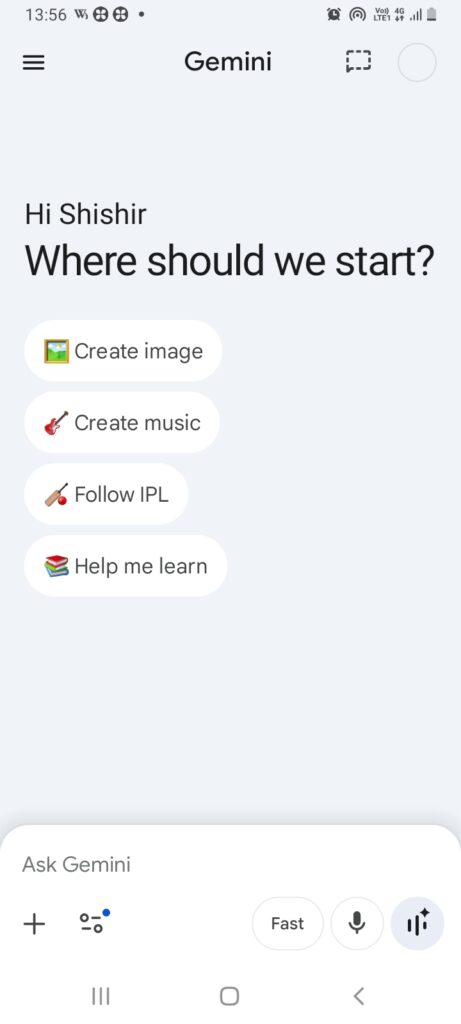
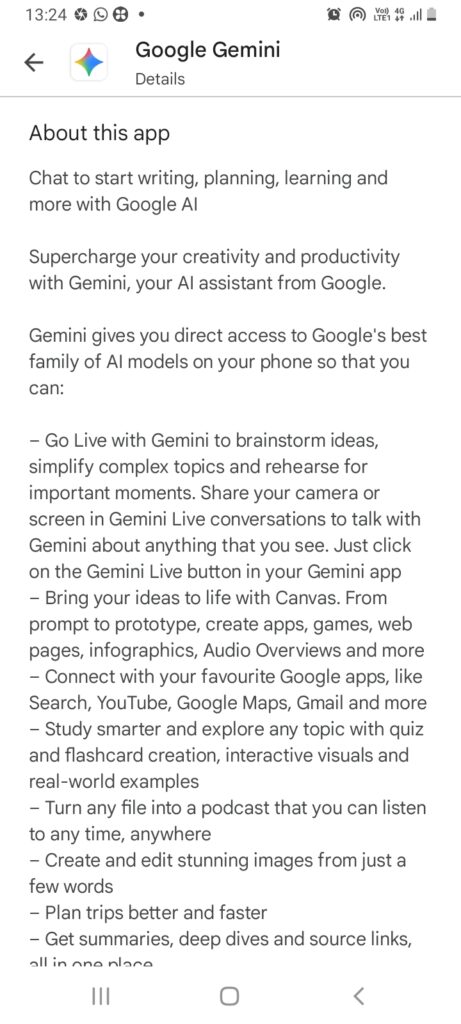
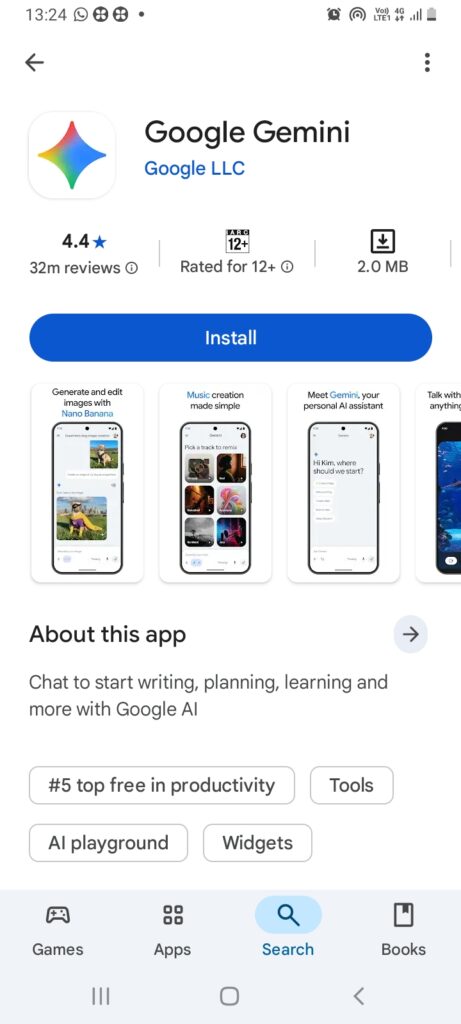
Image source: Official website
User Interface (UI) is the visual layout of a device or app that lets users interact with it. It includes buttons, icons, menus, and screens that make it easy to navigate and use features. It can be observed that You open the floating UI over WhatsApp to summarize a chat. It works once. Then I think that suddenly problems like these can occur:
- The bubble freezes
- Screen context isn’t detected — Screen Context refers to what is currently displayed on the screen and how it relates to the user’s action at that moment. It helps the device show relevant options or information based on what the user is doing, making the experience smoother and more intuitive.
- The “Ask about this screen” option disappears
You try again while browsing in Google Chrome:
- Gemini misreads the screen
- Automation fails
- The tools menu looks incomplete
Is it Frustrating? Very much.
But these aren’t random bugs—they can be solved in advance like we are doing here.
Common Gemini Floating UI Problems (And Why They Happen)
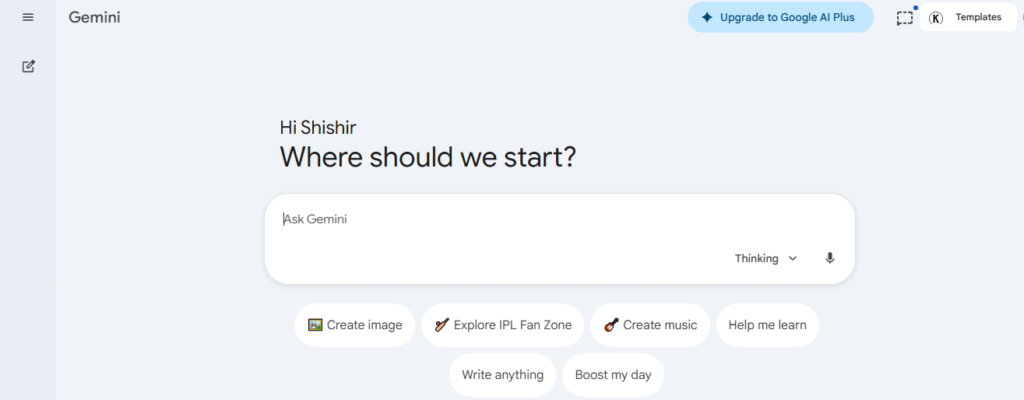
| 1. Screen Context Not Working You take your laptop and sit down to work. Then, You expect Gemini to “see” your screen—but it doesn’t. Why it happens: I will explain you the reasons: — Missing permissions (Accessibility + Screen capture) — App missing permissions means an app doesn’t have access to required features like camera, microphone, location, or storage, so some functions may not work properly until you allow them in settings. — App restrictions by Android battery optimization — App restrictions are limits set by the system, parental controls, or device settings that block or control what an app can do. This can reduce features, stop background activity, or even prevent the app from opening certain tools. Fix: Go to Settings → Apps → Gemini → Enable: “Display over other apps” “Accessibility access” Another thing which you can do is to Turn off battery optimization for Gemini. |
| 2. Floating Bubble Lag / Freezing This happened to me when I was using a another overlay app. Basically, it was a video related app but it felt like very eerie. The UI stutters or stops responding mid-task. I will explained you the reasons I figured out. First, I will define three things for you: CPU (Central Processing Unit) is the main processor of a device that handles all instructions and calculations. It controls how fast apps run and how smoothly the system performs tasks. (Random Access Memory) is short-term memory that temporarily stores data of active apps and processes. More RAM helps a device multitask smoothly without slowing down. Overlay is a feature where one app appears on top of another app, like chat bubbles or floating windows. It allows multitasking, but if misused or buggy, it can block parts of the screen or cause display issues. Why: — Cpu random access memory overload (especially on mid-range devices) — Conflict with other overlays (like chat heads) Fix: — Close background apps — Disable other overlays (like Messenger bubbles) — Restart Gemini from recent apps These are fix in short language so you can grasp better. |
| 3. Poor Screen Automation Results You ask Gemini to “reply to this message” or “summarize this page”—and it gives generic answers. I always prefer specific answers to the point and so I tried this to resolve: The reasons. Why: — Limited app-level integration — Privacy sandbox restrictions in Android Fix (Best workaround): Use manual highlight method: Select text → Share → Gemini For advancedautomation, combine with: Tasker MacroDroid This combo unlocks near-true automation. I will also suggest to learn some prompt ways to deliver higher results. |
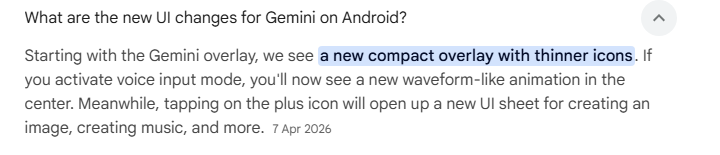
| 4. Tools Menu Missing or Limited It is much likely that you can see this issue right in the development. You open Gemini expecting advanced tools—but only see basic options. Why: — Feature rollout is gradual (server-side) — Region/device limitations Fix: — Update via Google Play Store — Switch to latest Google app beta — Ensure your device language is English (US) |
| 5. Permission Conflicts You will notice that Some apps (banking, private chats) block screen reading. Why: Android security policies prevent overlays from accessing sensitive apps Fix: This is intentional—no full workaround Use copy-paste instead of live screen reading |
Pro-Level Workflow (What Actually Works in 2026)
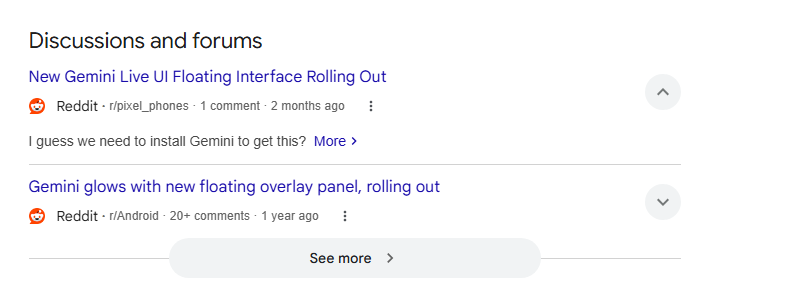
Now, I want you to have a look at my methods which works like a magic wand. It’s very simple yet effective. You must make a good choice. Give it a try. Instead of relying purely on the floating UI, power users do this:
Hybrid Method:
- Use floating UI for quick queries
- Use text selection for accuracy
- Combine with automation tools for execution
This turns Gemini from a “cool feature” into a real productivity system. Sounds great?
Absolutely, this approach will work.
My Take (Honest Opinion)
See friend, I think that the floating UI from Google gemini ui is not fully mature yet.
Give it some time and use it in the beta version.
It promises:
- Real-time screen understanding
- App-level automation
But according to users delivers:
- Partial context awareness
- Inconsistent execution
It may be due to bugs and will be removed when rolled in play store.
:
I will finally say that it’s powerful—but only if you stop expecting magic and start using it strategically.
The “Out-of-the-Box” Solution by experts

I have analysed thousands of results my freind and If you want next-level results, I will strongly urge you to have a glance at this, do this without fail:
- Use Gemini floating UI only for:
- Brainstorming
- Quick summaries
- Use automation stack:
- Tasker + Gemini API (via intents/webhooks)
- Create custom workflows like:
- “When I open WhatsApp → auto-suggest replies”
- “When I copy text → auto-summarize”
This is where the real strategy lies.
Final Thought
Gemini’s floating UI is not broken—it’s early-stage innovation.
If you treat it like a finished product, you’ll be disappointed.
If you treat it like a tool you can extend, it becomes unstoppable.
A useful video:
Other problems and solutions reads:
— claude problems and solutions
— youtube shorts problems and solutions
— android gemini live problems and solutions
— iphone problems and solutions
— ios 26.5 problems and issues
— john ternus problems and their sol
— chatgpt 2.0 images problems and solutions
— chatgpt 5.5 and deepseekv4 problems with soln
— youtube tv multiview problems and solutions
— Yahoomail problems and solutions
— ios 26.4 widgets problems and solutions
— internal storage problems and solutions
— ev charging problems and solutions
— waterproof iphone problems and solutions
— mail problem in iphone and android
— popular game problems and solutions
References & Further Reading
- Google Gemini Official: https://gemini.google.com
- Android Overlay Permissions Guide: https://developer.android.com/guide/topics/ui/accessibility
- Tasker Automation Docs: https://tasker.joaoapps.com
- MacroDroid Tutorials: https://macrodroid.com
- Google Play Store Updates: https://play.google.com/store
- Floating button more info
You can read more about us here and contact here.
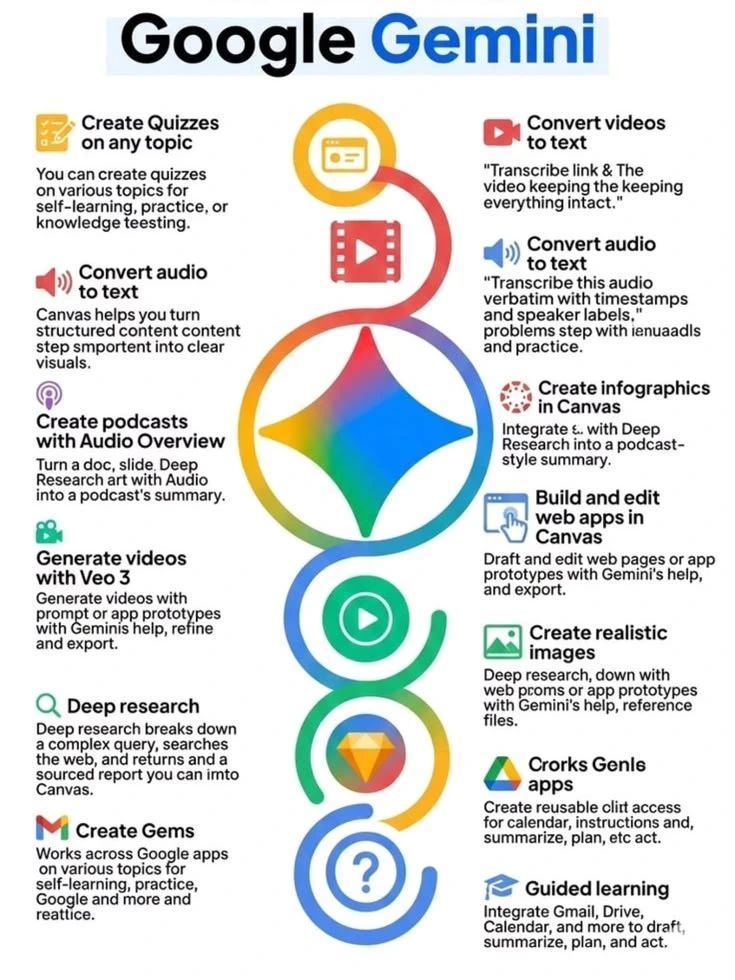
A useful Pinterest image :
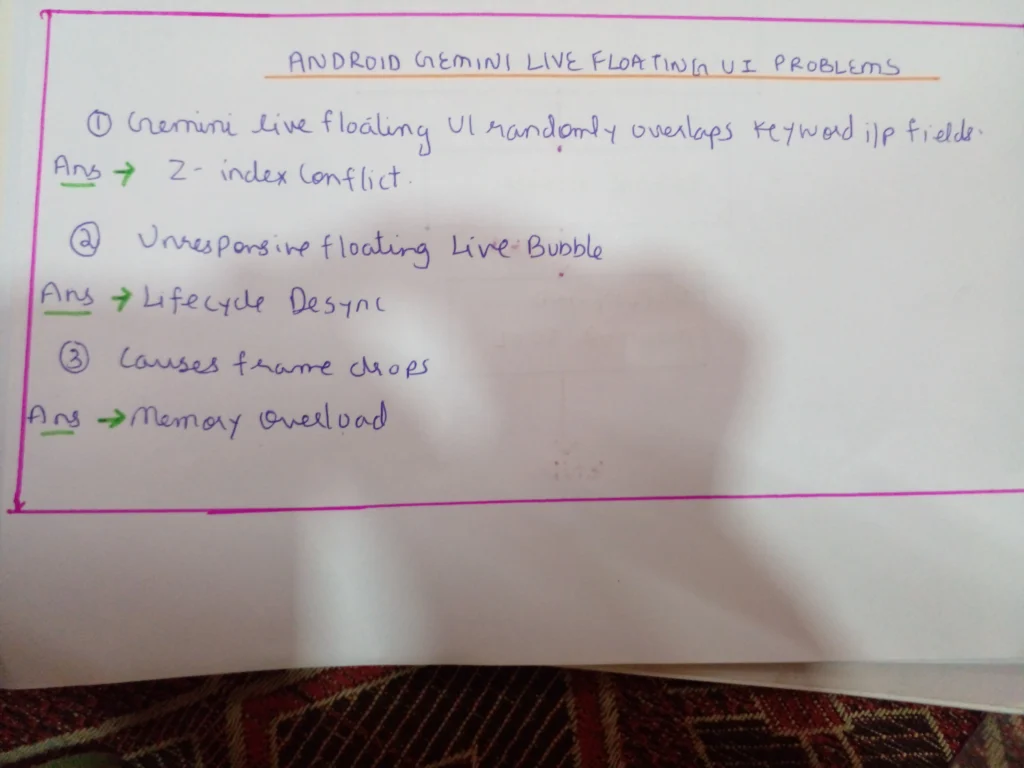
A few facts:

Linkedin -- www.linkedin.com/in/shishir-bhargava-68a8b4257
- 2026 Lexus IS 350 F Sport: Shocking review - August 22, 2026
- Why Global Markets Can Turn Nervous Overnight | How to prepare for it - July 9, 2026
- Why Countries Are Competing for Rare Earth Minerals | Shocking Details Revealed - July 6, 2026
⚠️ Most People Discover Trends When It's Too Late
Join the Trends Goldmine Insider List and get emerging AI tools, future products, viral keywords, and hidden opportunities before they hit the mainstream.
While everyone else is chasing yesterday's trends, you'll be spotting tomorrow's opportunities first.
🚀 Free Weekly Trend Alerts • No Spam • Unsubscribe Anytime
SIGN UP NOW & RECEIVE A SHORT REPORT ON HOW TO MAKE FORTUNE WITH TRENDS.Trusted by readers who want to discover opportunities before the crowd.