Image credit: Official website
Can you relate this?
Whenever I want to learn new things or invest in my skills, youtube is my freind. I generally receive almost what the solutions I am looking for on the youtube.
It helped many of them to build and invest in their education plus overall development. Among, it the youtube tv multiview is best for watching and learning tutorials on big screen.
It gives a best bizarre experience of watching the YouTube. A recent update about YouTube tv Multiview has come in picture soon.
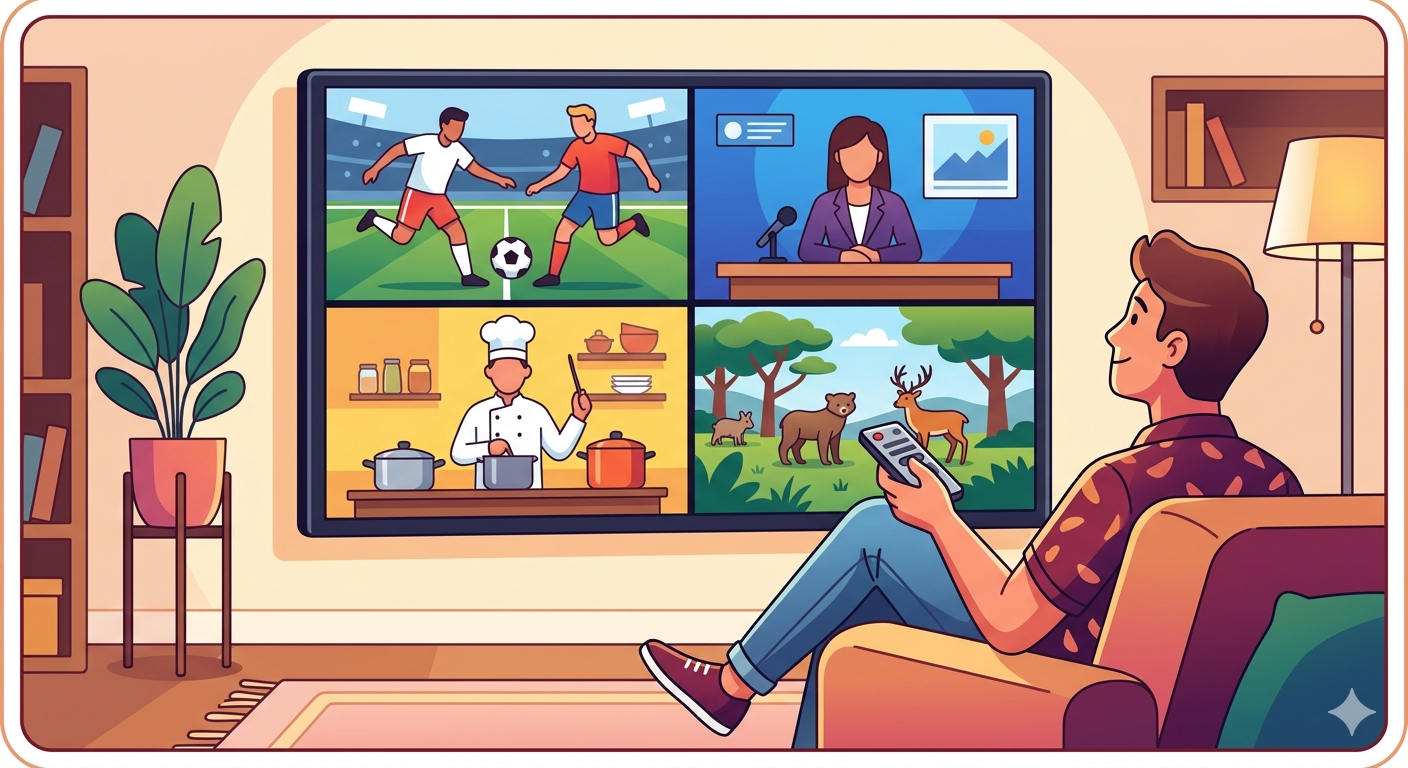
The update is usually like about the user can finally build their four multiscreen on tv and include four channels to watch at a time.
I think it will be very useful for me to watch tutorials in four different screens and invest in my education. But here’s the touch:
Users says that it usually breaks at the worst moment.
Fourth quarter. Two theories on screen. One freezes. Another drops to blurry 480p. Audio drifts out of sync like a glitch.
Multiview on YouTube TV feels like magic—until it doesn’t.
So, Today we will see some of the common problems that come in using the youtube tv multiview along with the solutions.
A person investing in the skills learned this the hard way. Four screens. One router. Too many problems. But every issue had a pattern. And every pattern had a fix.
Here’s first a graph that explains the intensity of the problems. Source: click here
       YouTube Playback/Watching Errors

            ┌───────────────┐
            │ Buffering     │ 35%
     ┌──────┤ ████████      ├──────┐
     │      └───────────────┘      │
     │                               │
┌───────────────┐ ┌───────────────┐
│ Login Errors │ │ Video Not │
│ 15% │ │ Available 25% │
└───────────────┘ └───────────────┘
│ │
│ │
└──────┐ ┌────────┘
▼ ▼
┌────────────────────────┐
│ App Crash / Freeze 15%│
└────────────────────────┘
       ┌────────────────────────┐
       │ Audio Sync Issues 10% │
       └────────────────────────┘
When Multiview Just… Doesn’t Work
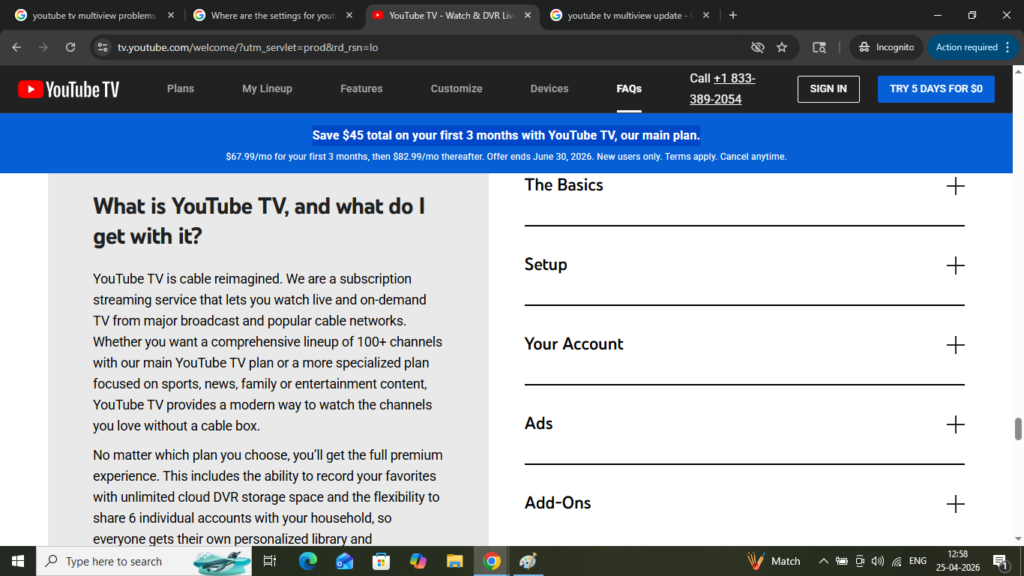
Image credit — Official youtube tv website
I was learning some days before how to code in kotlin language. I took some sweet grapes and start watching and learning.
Exactly after 3 min, No option showed up. Everything just disappeared. I searched for answers in community forums, may be others might too have faced such problem.
But This isn’t random. Multiview is device-restricted. It’s not fully available on all platforms yet. Smart TVs, newer streaming sticks, and select devices get priority.
So, what is my Fix?
- I want you to see and Check device support first.
- You can then Update the YouTube TV app manually.
- After that, you can Restart the device—not just sleep mode, a full reboot.
- This step is very important. Sign out → sign back in (this refreshes feature flags).
If it still doesn’t appear, switch to a supported device like newer Amazon Fire TV Stick 4K Max or Roku Ultra. Multiview is server-controlled. Your device matters more than your plan.
The Blurry Screen Problem
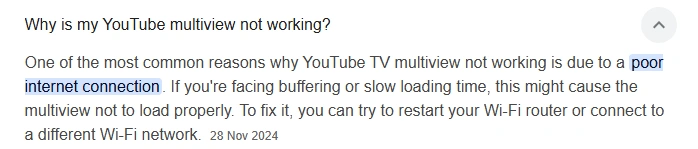
Whenever I used to watch the sales and marketing tutorials where different screens are essential, Everything looks fine in single view. Switch to multiview, and suddenly it feels like 2012 YouTube.
That’s intentional.
Multiview splits bandwidth across multiple streams. If your internet or device struggles, resolution drops automatically.
I usually then try to download the videos and would watch offline for learning to avoid this condition.
To avoid this, you must have the Fix.
- There must be having a Minimum stable speed: 25–30 Mbps for multiview
- Always go for the Go wired (Ethernet > Wi-Fi)
- Disable other devices using bandwidth. Bandwidth is the maximum amount of data that can be transmitted over a network connection in a given amount of time, usually measured in bits per second (bps), kilobits per second (Kbps), megabits per second (Mbps), or gigabits per second (Gbps).
- You must must always Force higher resolution. There’s a option available:
- Open youtube → settings → manually set to 720p/1080p
Also check your TV’s upscaling settings. Some TVs soften multi-feed video aggressively.
Buffering That Ruins Everything
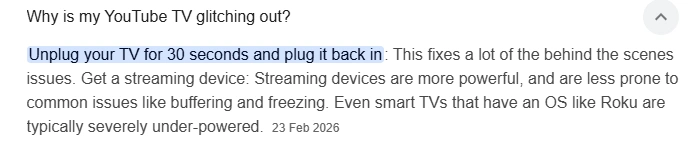
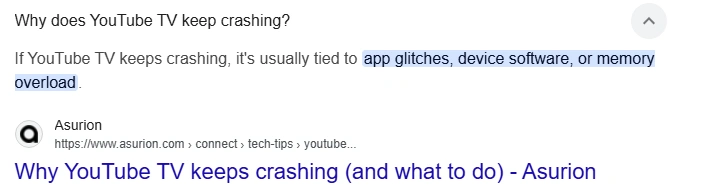
Whenever you watch your favorite movie like Spiderman, Buffering causes a very poor experience. Buffering in Multiview is worse than normal watching. Because it’s not one. It’s four.
Even small network fluctuations multiply.
The Fix
I will explain you what a router is first of all. A router is a networking device that directs data between different networks, typically between your local home or office network and the internet. It receives incoming data packets and determines the most efficient path to send them to their destination, ensuring devices like smartphones, computers, and smart TVs can communicate with each other and access online services.
- If you are using router, Restart router (not optional, do it properly: unplug 60 seconds).
- You can also Move router closer or remove obstacles.
- I will urge you to Switch to 5 GHz Wi-Fi band.
- Most optional choice. Turn off VPN (it slows multi-stream traffic)
If buffering persists, lower the load:
- You can Exit multiview → re-enter.
- I will urge you to Choose fewer channels if possible.
A stable 20 Mbps beats an unstable 100 Mbps every time.
Audio Out of Sync
I was on holidays for a weekend after completing my work. I took some music positive upbeat tracks and plugged the earphones for refreshing.
The music beats energizes and lightens the mood helping the mind to function more clearly.
But at such times, when there are audio issues, that’s truly a very bad interruption. This one is subtle. Then it becomes unbearable.
Same is the case with the youtube tv multiview. One screen cheers before the play happens on another.
Multiview handles multiple audio feeds. Sync issues happen when decoding lags.
The Fix
- I have seen users to Switch audio output:
- TV speakers instead of soundbar (test both).
- In reddit, I read one hack. Disable surround sound temporarily.
- You can also Toggle “5.1 audio” off in settings.
- Last but not the least. Restart the stream—not just pause.
If using external audio systems, delay mismatch is common. Keep it simple during multiview.
Random Crashes or Freezing
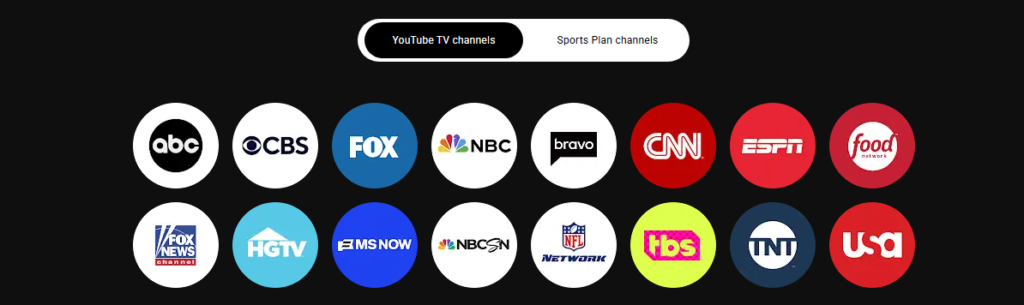
I was at my lunch eating the delicious soup with starter. I was thinking about to order my main menu on a app. But when I ordered , the App freezes. Screen goes black. Multiview collapses. I went pale and did not knew what to do.
This situation has been faced similar kind by many users.
Usually not a bug. It’s resource overload.
The Fix?
- You need to first Clear app cache (on Android TV / Fire TV)
- Then, try to Close background apps
- Ensure device isn’t overheating
- Update firmware
Older devices struggle with decoding multiple streams simultaneously. Hardware limits show up fast in multiview.
The Real Insight Most People Miss
Yes, definetly youtube tv Multiview has been making life easier. But it is not just a feature. It’s four screens running at once.
That means:
- 4× bandwidth
- 4× decoding
- 4× chance of failure
The system is only as strong as its weakest link:
- Internet
- Device
- App version
Fix all three—or problems keep returning.
The Setup That Actually Works.
The sports fan fixed everything with this:
- Wired connection (Ethernet)
- 50 Mbps stable internet
- Updated YouTube TV app
- Streaming through Amazon Fire TV Stick 4K Max
- Audio set to stereo, not surround
No buffering. No blur. No sync issues.
My insights and final takeaway:
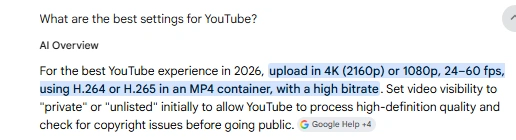
The best YouTube experience depends on stable high bandwidth, capable devices, and proper display optimization. Data shows 5 Mbps is needed for 1080p, 20 Mbps for 4K, and 50 Mbps+ for 4K HDR without buffering.
Device performance matters too, as low-end phones or PCs struggle with high-frame-rate videos, while hardware acceleration can reduce CPU load by 30–40%. YouTube’s adaptive streaming further adjusts quality based on network and device conditions, so background apps, outdated drivers, or corrupted cache can degrade playback.
Optimal viewing combines a strong connection, updated hardware and software, background management, and optionally preloading content to ensure smooth, high-resolution playback.
| REFERENCES Google YouTube TV Help Center: https://support.google.com/youtubetv/ YouTube TV Official Features & Updates: https://tv.youtube.com/learn/ Roku Device Streaming Tips: https://support.roku.com/ Amazon Fire TV Performance Guide: https://www.amazon.com/gp/help/customer/display.html |
A useful youtube video:
You can contact us here and read more about us here.
A useful pinterest pin:
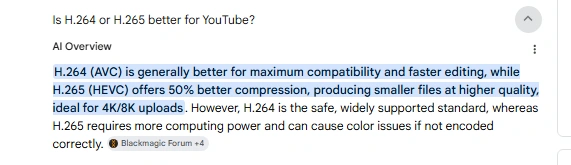
Some useful facts:
2.

Linkedin -- www.linkedin.com/in/shishir-bhargava-68a8b4257
- 2026 Lexus IS 350 F Sport: Shocking review - August 22, 2026
- Why Global Markets Can Turn Nervous Overnight | How to prepare for it - July 9, 2026
- Why Countries Are Competing for Rare Earth Minerals | Shocking Details Revealed - July 6, 2026
⚠️ Most People Discover Trends When It's Too Late
Join the Trends Goldmine Insider List and get emerging AI tools, future products, viral keywords, and hidden opportunities before they hit the mainstream.
While everyone else is chasing yesterday's trends, you'll be spotting tomorrow's opportunities first.
🚀 Free Weekly Trend Alerts • No Spam • Unsubscribe Anytime
SIGN UP NOW & RECEIVE A SHORT REPORT ON HOW TO MAKE FORTUNE WITH TRENDS.Trusted by readers who want to discover opportunities before the crowd.