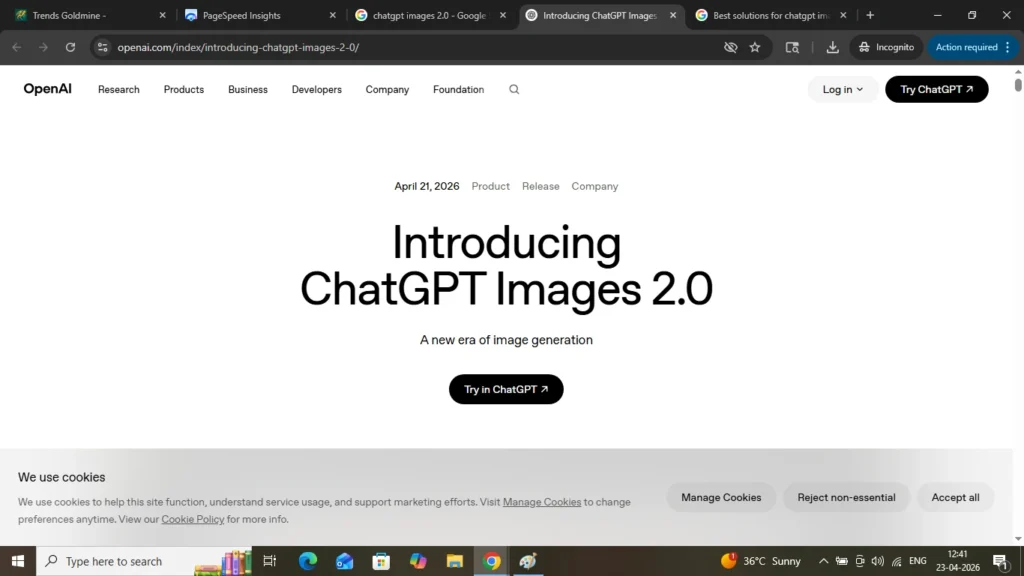
Image credit — official website of gpt
A strange observation
I was on a walk today on the streets in the morning and I was intrigued by how much we humans have made progress in various fields. The tall skyscrapers buildings, luxurious vehicles, stunning mobiles and much other things to list for.
This states that inspite of natural and man-made calamities we humans have done so well. We have overcome so much problems and yet able to find the solution for each of it successfully.
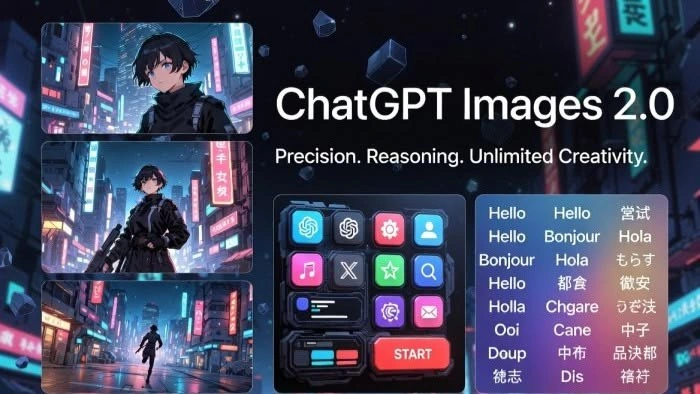
Today, an another extraordinary feat developed by openai engineers was chatgpt images 2.0 which is an ai tool to generate images.
So, I started and launched this website exactly a week ago. It all started with excitement.
I am a small creator trying to grow my blog and yesterday had just discovered ChatGPT Images 2.0. i Whenever I used to find the images for my content, it was very frustrating to match the right one.
But this chatgpt images 2.0 version sparkled me. The promise felt magical—type an idea, get stunning visuals instantly. No designers. No delays. Just pure creativity.
How simple and cool is that!
But within days, I think like other tools it may show bug or errors as well.
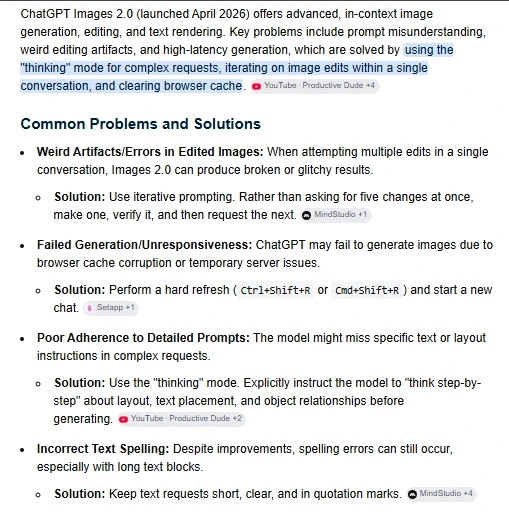
So, today we are going to talk about the possible problems and solutions with the chatgpt images 2.0.
Actually, The images looked almost right—but not quite. Faces felt unnatural. Text inside images was messy. Sometimes the output ignored instructions completely. Other times, it just repeated generic styles that didn’t match the query.
I know I wasn’t alone to face this problems. Thousands of creators hit the same wall.
But here’s where the story changes.
Instead of sitting, I decide to find solutions. And what I discovered wasn’t just a workaround—it was a smarter way to use AI itself.
But before that I want share
The Real Problem (That Nobody Explains Clearly)
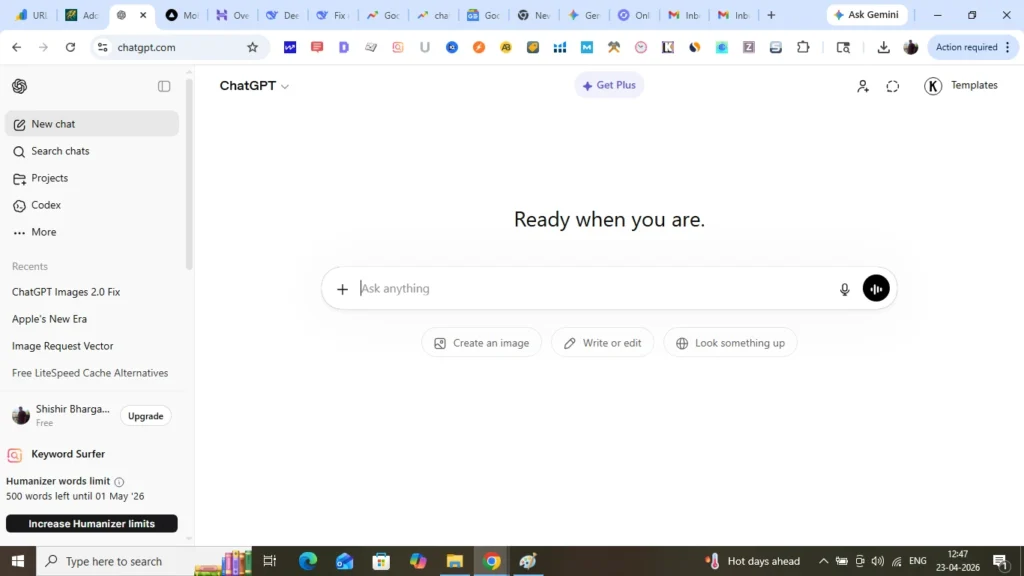
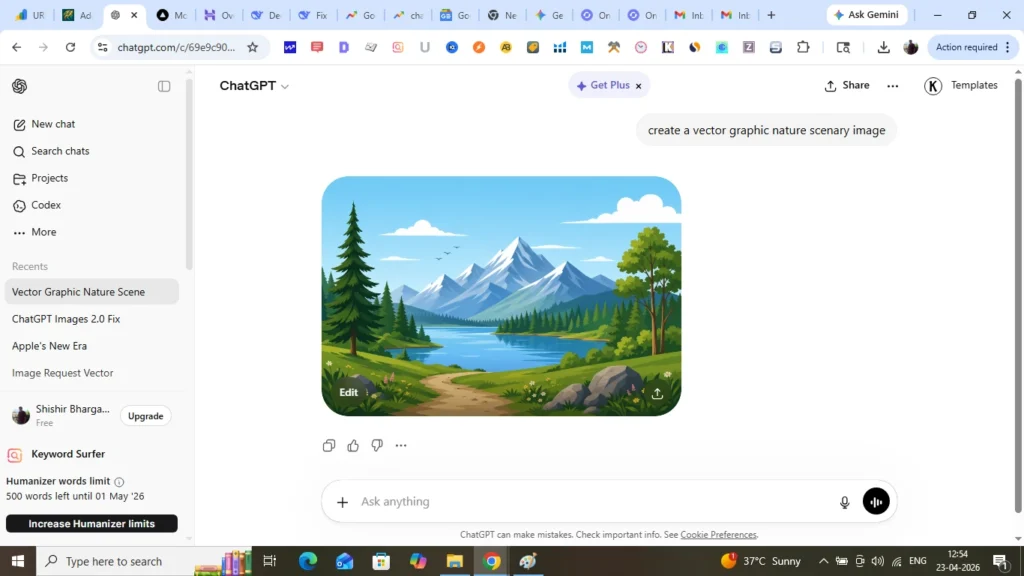
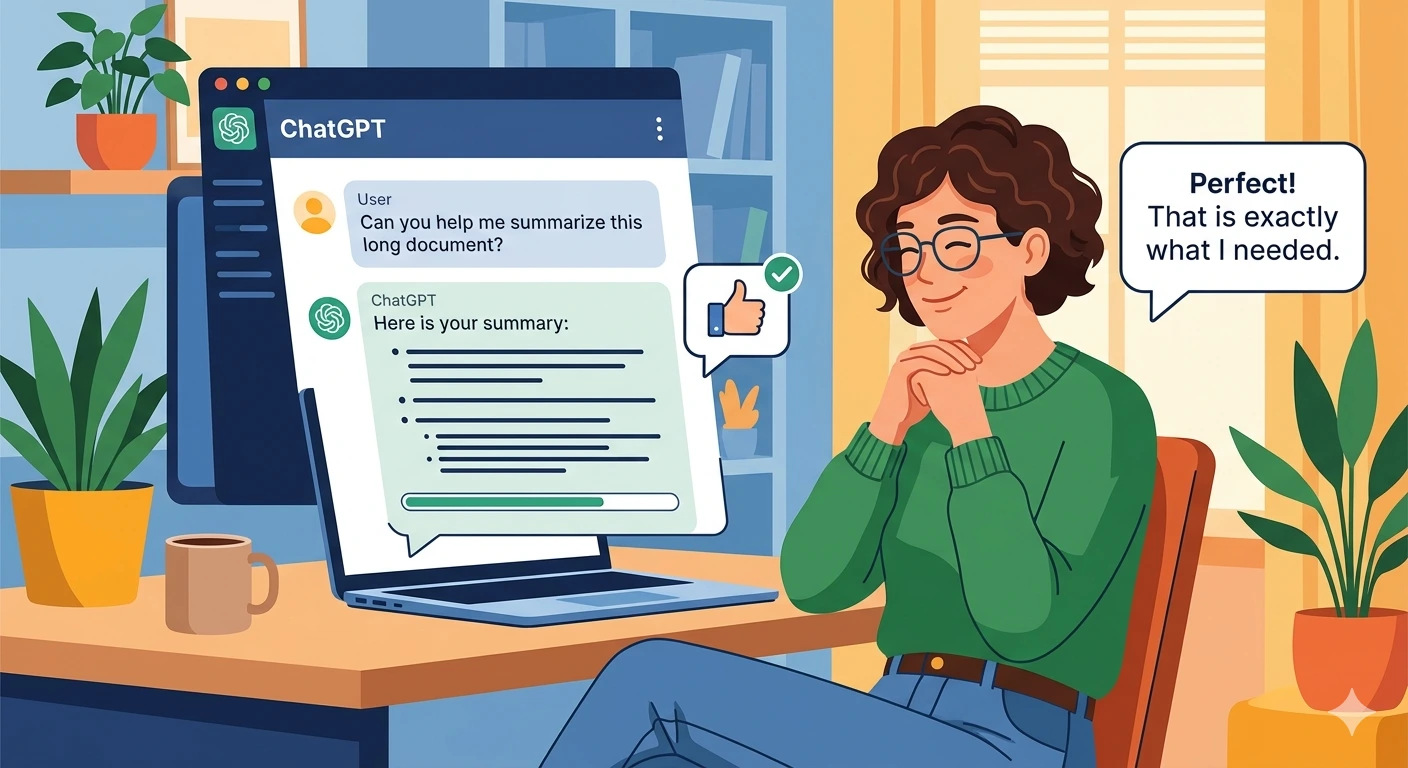
When I used the image generation tool as you can see in the above photo. I gave a very short prompt and it returned with a very good result as expected. A ChatGPT prompt is the instruction or message you give the AI to guide its response.
A good prompt clearly explains what you want, including details like the topic, style, format, tone, or goal. For example, instead of saying “Write something,” you could say, “Write a short motivational poem about rain in a hopeful tone.” The more specific the prompt, the more accurate and useful the response usually becomes.This changed my thinking that ChatGPT Images 2.0 isn’t actually “broken.”
The main issue is It’s overgeneralized.
It tries to satisfy broad prompts with average outputs. That’s why you get:
- Generic visuals
- Inconsistent styles
- Poor text rendering
- Weak alignment with intent
The system is powerful—but it needs precision guidance. You must understand you must enter proper exact prompt as the result you are desiring of from the tool.
The Breakthrough: 3 Innovative Solutions That Actually Work
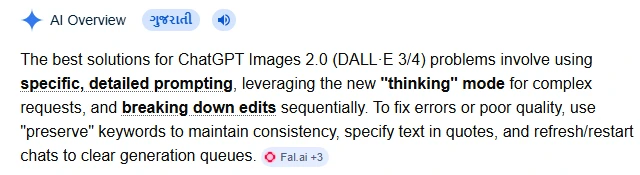
| 1. Layered Prompting (The Game-Changer) I stopped writing one-line prompts. I designed my prompts with very minute details. Instead, I structured them like this: — Scene description — Style specification — Lighting and mood — Camera angle — Output quality Example: “A futuristic city at sunset, cyberpunk style, neon reflections, cinematic lighting, ultra-detailed, 4K realism, wide-angle click” Result? The images suddenly looked intentional. |
| 2. Reference Anchoring (Think Like a Designer) There are flood of comments on reddit about this. Instead of vague ideas, I started anchoring prompts to known styles: “in Pixar style” “like a professional product shoot” “in minimal Apple-style design” This reduced randomness dramatically. And after all it’s a machine. It works as per the instruction given by you. AI doesn’t guess well—but it follows references extremely well. |
| 3. Post-AI Refinement Loop (The Hidden Secret) The biggest leap came from this: Don’t expect one perfect image. Iterate fast. I used to experiment a lot and see what’s working: — Generate image — Identify flaws — Rewrite prompt specifically targeting those flaws Within 2–3 iterations, the output became professional-grade. |
These were simple three points but I will summarize for you in a easy way in a screenshot below:
The Bold New Idea: AI + Human Taste = Real Power
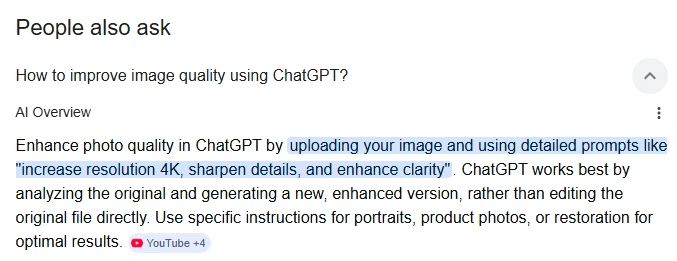
We must remember that ai tools are just a piece of parts. They work for you as per you feed them. But Here’s the truth most people miss:
ChatGPT Images 2.0 is not a replacement for creativity—it’s an amplifier.
The real innovation isn’t in the tool…
It’s in how you guide it.
I think in the next five years Future-ready creators will:
- Combine AI speed with human direction
- Build reusable prompt frameworks
- Create consistent visual identities using structured prompts
The Ending That Changed Everything
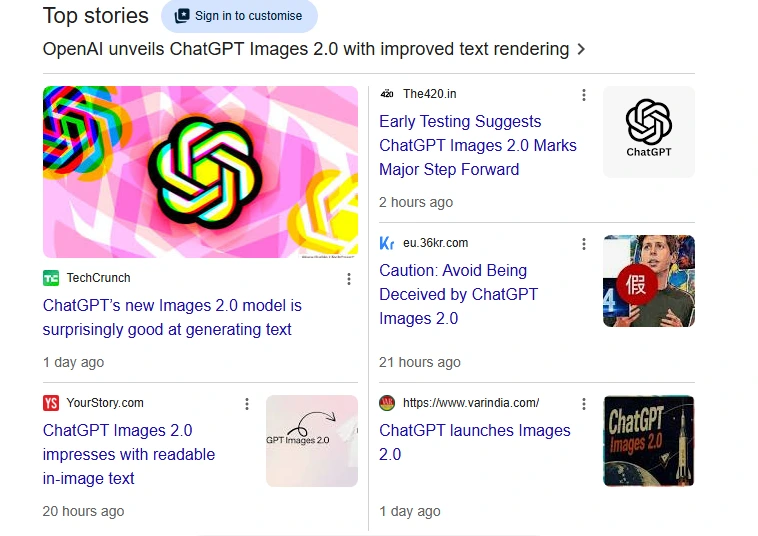
I tried testing and tweaking about different prompts for few days, Within weeks, my blog looked completely different.
My images were sharper. More unique. More clickable.
Traffic got increased. Engagement improved.
But more importantly—I understood something deeper:
AI doesn’t fail. Unstructured thinking does.
Final Insight
| One lesser-known but highly effective prompting technique is the “constraint stacking” method: instead of giving one large instruction, expert users layer multiple micro-constraints like tone + output format + forbidden behaviors + reasoning depth + audience type. This dramatically improves consistency because modern LLMs prioritize structured constraints hierarchically, reducing hallucinations and vague outputs by forcing the model into a narrower decision space. Example: Weak prompt: “Explain AI.” Strong prompt: “Explain AI to a 12-year-old in 5 bullet points without technical jargon, using one real-world analogy and under 120 words.” Research and prompt-engineering communities have found that specificity and layered constraints often outperform longer prompts with excessive context because the model responds better to explicit boundaries than to broad instructions. Source: https://platform.openai.com/docs/guides/prompt-engineering |
If you’re struggling with ChatGPT Images 2.0, you perhaps need to change your way to use it.
Because the next wave of creators won’t be the ones who use AI—
They’ll be the ones who control it.
| References OpenAI Image Generation Guide: https://platform.openai.com/docs/guides/images Prompt Engineering Best Practices: https://platform.openai.com/docs/guides/prompt-engineering AI Art Techniques Overview: https://www.artstation.com/blogs chatgpt 2.0 details chatgpt 2.0 images fix |
A useful video:
You can read more about us here and contact here.
Few Facts:
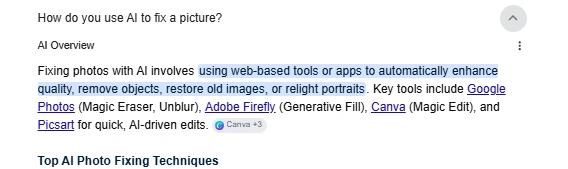
2.

A useful pinterest pin image:

Linkedin -- www.linkedin.com/in/shishir-bhargava-68a8b4257
- 2026 Lexus IS 350 F Sport: Shocking review - August 22, 2026
- Why Global Markets Can Turn Nervous Overnight | How to prepare for it - July 9, 2026
- Why Countries Are Competing for Rare Earth Minerals | Shocking Details Revealed - July 6, 2026
⚠️ Most People Discover Trends When It's Too Late
Join the Trends Goldmine Insider List and get emerging AI tools, future products, viral keywords, and hidden opportunities before they hit the mainstream.
While everyone else is chasing yesterday's trends, you'll be spotting tomorrow's opportunities first.
🚀 Free Weekly Trend Alerts • No Spam • Unsubscribe Anytime
SIGN UP NOW & RECEIVE A SHORT REPORT ON HOW TO MAKE FORTUNE WITH TRENDS.Trusted by readers who want to discover opportunities before the crowd.